


Manage parameters
Manage invoicing regions
Apply different prices depending on the members' locality
Some clubs charge different membership fees depending on where members live: one rate for residents of the municipality that subsidises the club, another for neighbouring municipalities and a third for everyone else. Invoicing regions group localities (postcodes) into regions, then each membership type gets a price per region.
This menu is only visible if the invoicing module is active (see the article Manage invoicing).
Enable the invoicing regions
In the left-hand side menu, click Parameters, then Manage invoicing regions. Turn on the switch Use invoicing regions. The Regions section appears with a first region, Near, which always exists.
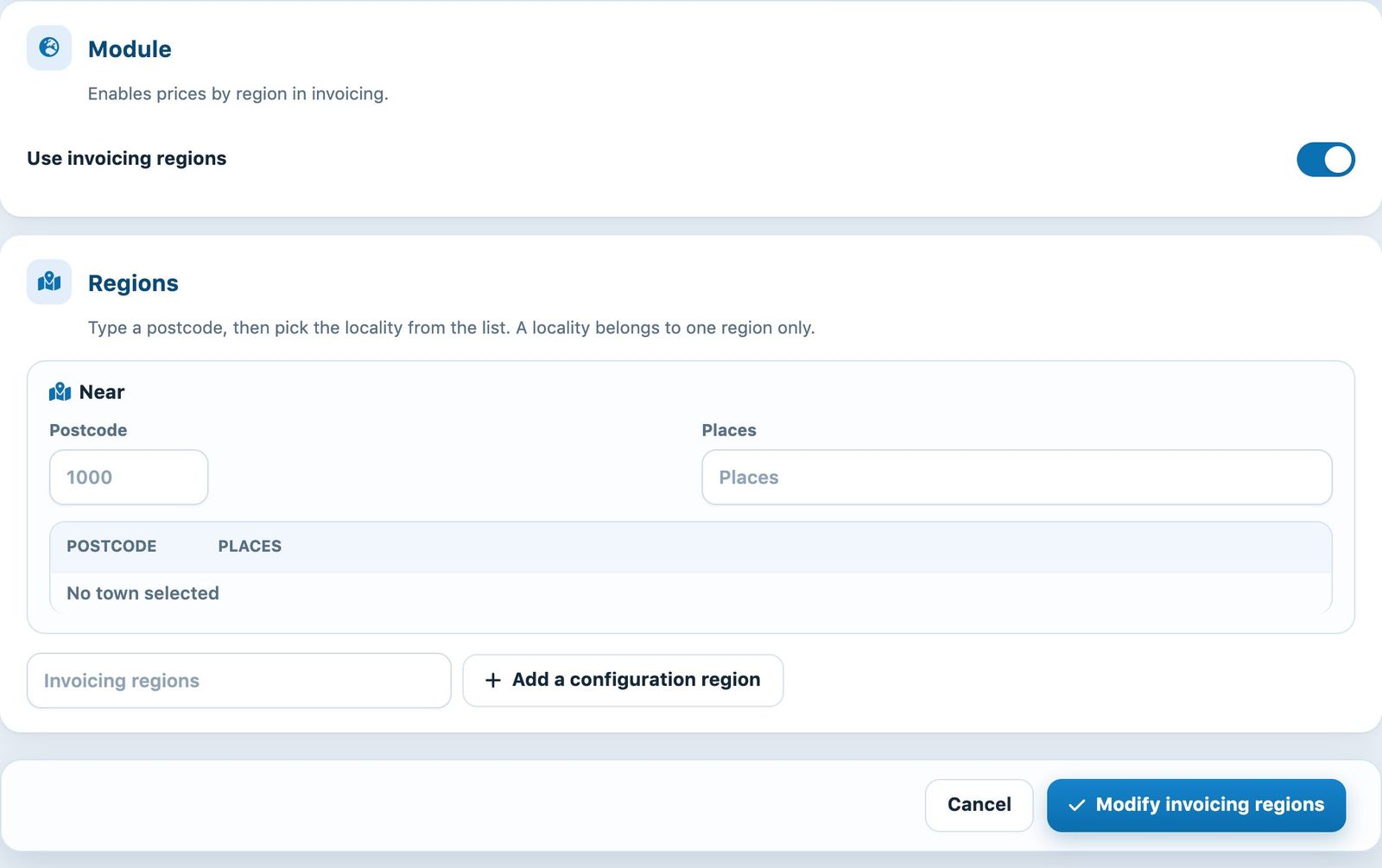
Enabling the module and the “Near” region
Add the localities of each region
In a region's card, type a postcode in the field Postcode, then choose the locality in the list that opens below the field Places. The locality is added to the region's table. Repeat for each locality. The bin icon on a row removes the locality.
To create another region, type its name in the Invoicing regions field (without spaces or apostrophes, for example “Voisines”), then click Add a configuration region. The bin icon at the top of the card deletes the region.
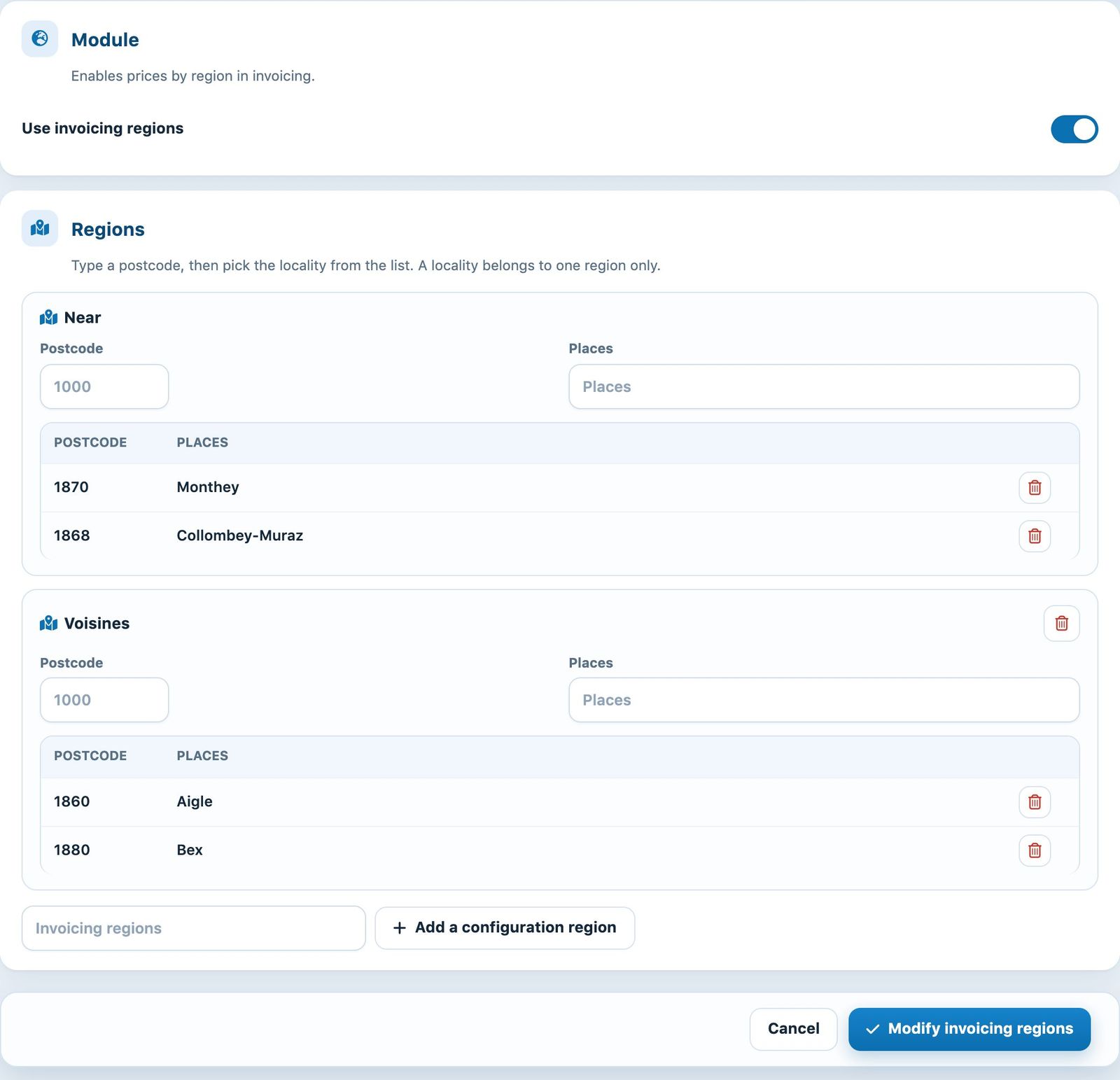
Two regions with their localities
Click Modify invoicing regions to save.
Tip: a locality belongs to only one region. There is no need to list every locality in Switzerland: those not in any region get the price for the other regions.
Enter the prices per region in the membership types
Once the regions are saved, open Memberships → Manage membership type and edit a type. Instead of a single price, the form offers a Price for the region per region (“Nearby”, “Voisines”…) and a Price for the other regions, each with its Name on the invoice for the region. With accounting software, each region can also have its own account number.
When invoicing membership fees, Plugin.ch applies the price of the region containing the member's locality. On the online registration form, the price shown adapts to the postcode entered.
Warning: the price depends on the address stored in the member's record. Check that your members' postcodes and localities are up to date before creating the membership fee invoices. See the article Manage membership type.
Plugin.ch Tutorial — Manage settings