


Process payments
Process a manual payment
Record a payment received in cash, by card or by bank transfer, and handle overpayments
QR-bill payments are recorded automatically by importing bank files. Other payments (cash at the clubhouse, card, transfer without reference…) are recorded by hand, directly in the invoice.
Open the invoice
In Invoices → Manage invoices, choose the group and click the invoice's pencil. To find it quickly, type the member's name or the invoice number in the search field. The invoice can also be opened from Open invoices & reminders or from the member's record.
Record a payment
As long as the invoice is not fully paid, the Payment section offers Add a payment :
- enter the payment date and the amount received;
- choose the payment method with the icons: bank transfer, cash desk (cash), card, wallet, PayPal… (depending on the accounts set up for your club; without accounts set up, the payment is recorded as a bank transfer);
- click Add a payment.
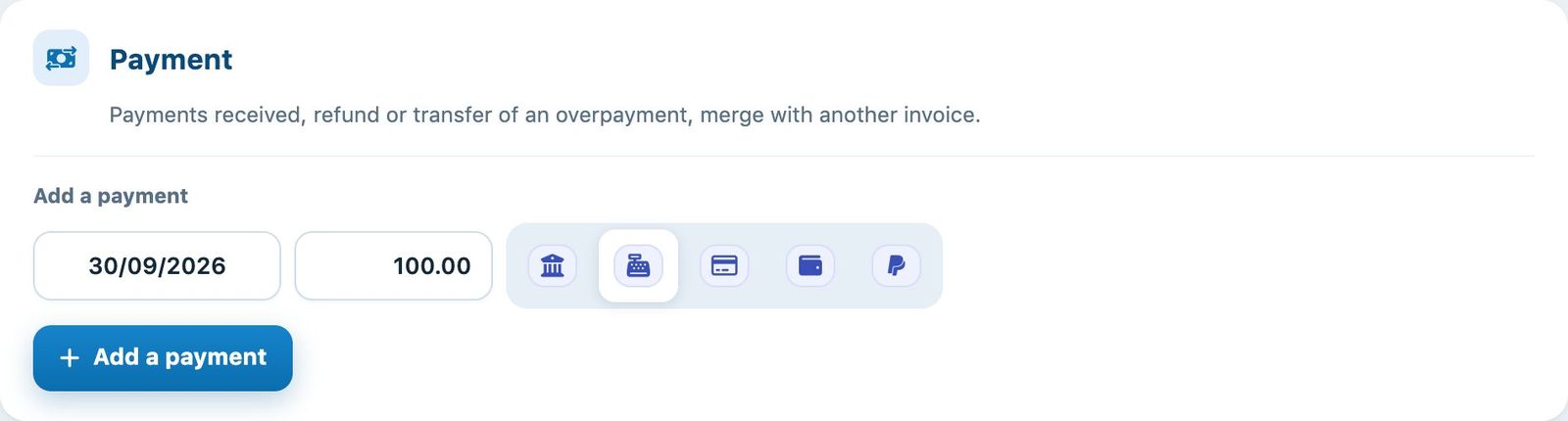
Adding a payment of 100.00 received at the cash register
The payment appears as a negative line in the Invoice lines and the Amount already paid is updated. A partial payment is accepted: the balance remains open and can be reminded.
Mark a line as paid
In Invoice lines, the switch Paid and the date Paid on show which lines are settled. Use them to spread a payment over the lines, for example when only the licence has been paid. The amount Paid balance to be allocated shows the part of a payment that has not yet been allocated to the lines.
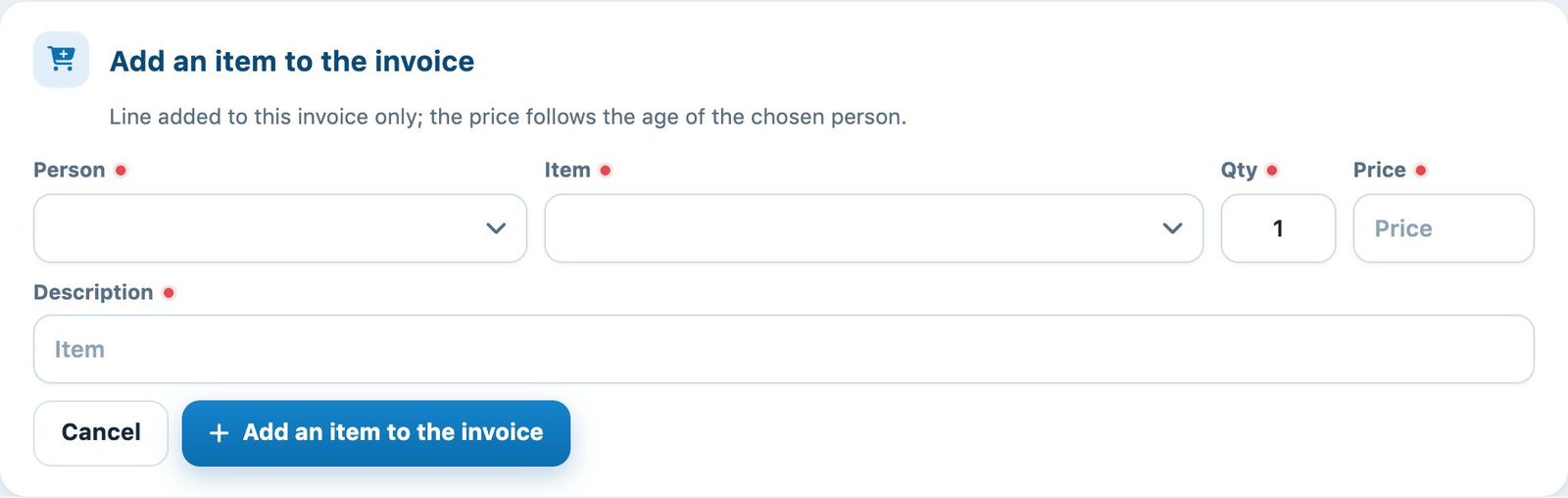
The lines of an invoice with their payment status
Handle an overpayment
If the invoice has been overpaid, the section Payment offers, instead of adding a payment:
- Transfer payment (if another invoice of the family is open): moves the overpayment to that invoice;
- Return payment: records the refund of the overpayment to the person;
- Carry over to the next invoice (if the general ledger is enabled): keeps the amount in reserve for the next invoice. See Carry an overpayment over to the next invoice.
In all cases, if the family has another invoice in the same group, Merge invoices combines the two invoices.
Where to find the amounts to handle? The page Invoices → List of instalments lists all overpayments, partial payments and unallocated payments. See Process installments.
Plugin.ch Tutorial — Process payments