


Manage lessons
Invoice and reminder texts
The document templates used to invoice lessons
Lesson invoices use the same document templates as the club's other invoices: a text before and after the table of items, in paper and e-mail versions, for invoices and reminders.
1Open the templates
In the side menu, open Parameters, then Manage invoicing. Scroll down to the Document templates section. Four tabs correspond to the four documents:
- Paper invoice template ;
- Invoice template by e-mail ;
- Paper reminder template ;
- Reminder template by e-mail.
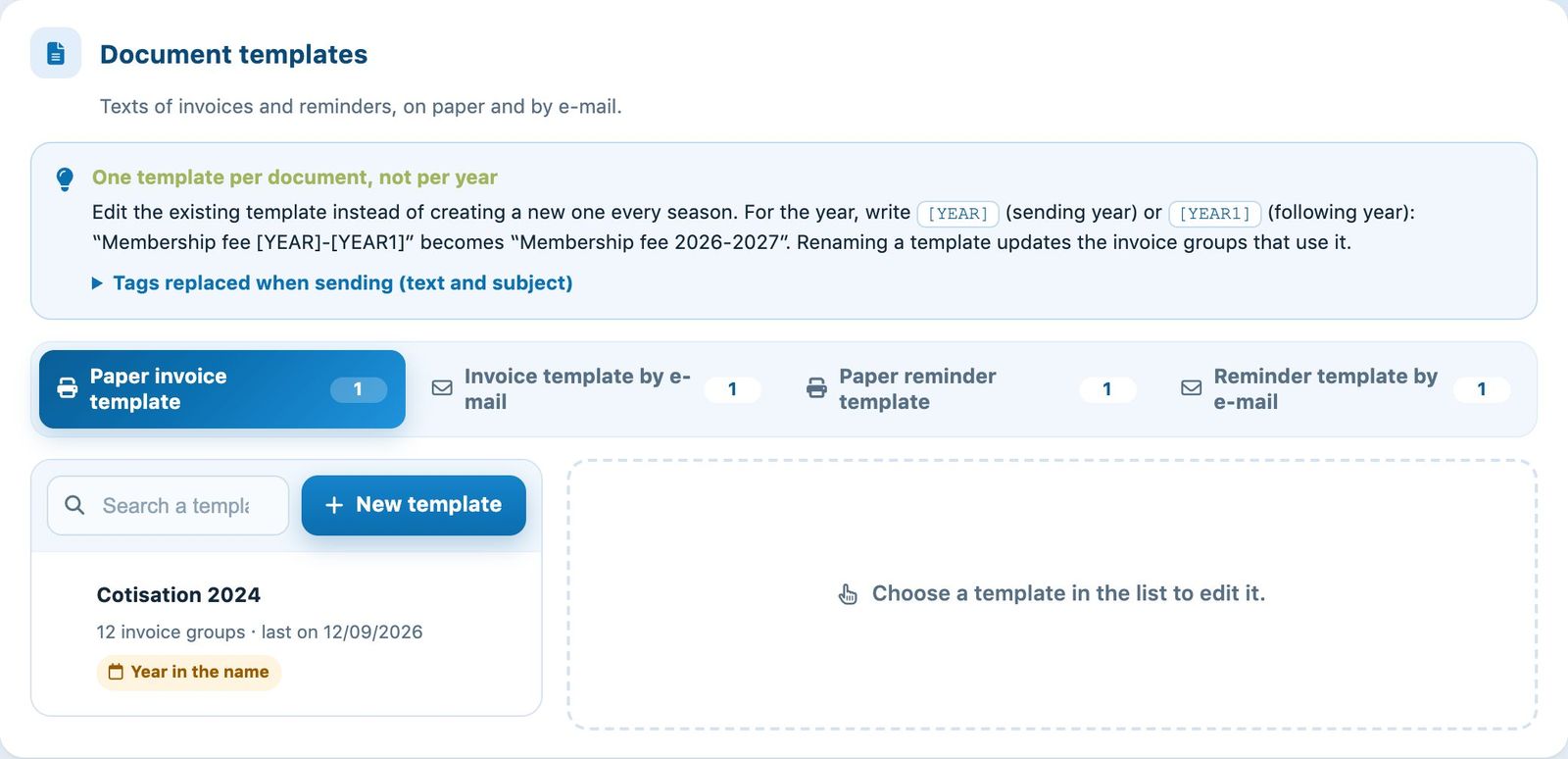
The Document templates section and its four tabs.
2Edit a template
Choose a template in the list on the left (or create one with New template). On the right, edit the name in Template, the Text shown before the table and the Text shown after the table; you can also Attach PDF, for example the tennis school rules.
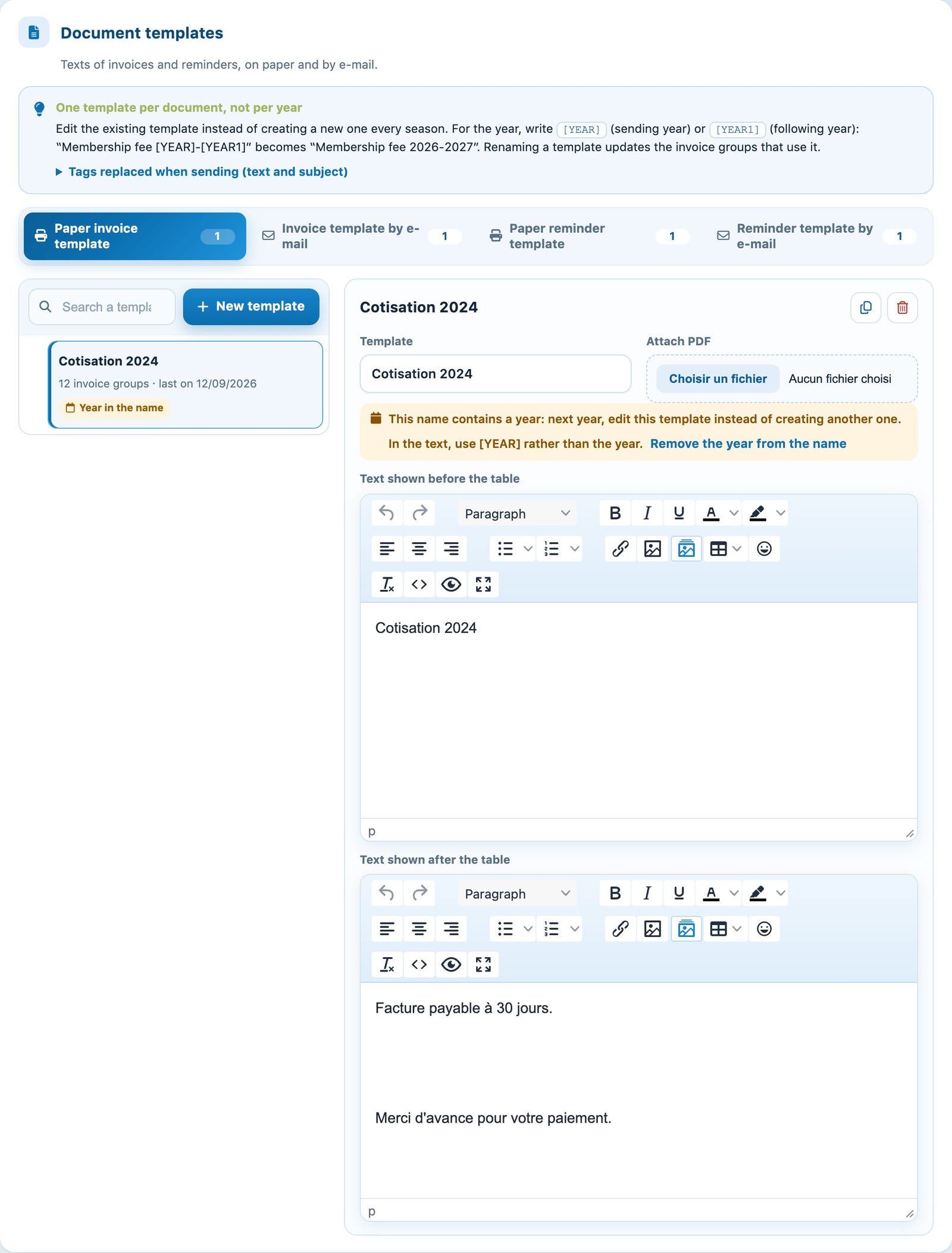
The editor of a paper invoice template.
One template per document, not per year: keep the same template from one season to the next and write [YEAR] (year of sending) or [YEAR1] (following year) rather than the year itself. The list Tags replaced when sending gives the other fields available.
3Adapt the texts to lessons
For lessons, state for example the cancellation conditions, the payment deadline or how cancelled lessons are made up. The e-mail version can be shorter; the reminder repeats the amount due and the deadline. The template used is chosen when the invoice group is created.
Fill in all four templates: a reminder by e-mail without text would be sent empty. Save the page with Modify module parameters.
Plugin.ch tutorial — Manage lessons