


Manage lessons
Activating the Lessons module
Activate the lesson management module in a few clicks
The Lesson module is used to organise a tennis school, group lessons or camps: creating the lessons and their prices, online registrations, dividing the pupils into groups, automatic court booking and invoicing. It must first be enabled in the club settings.
1Open the general settings
In the left-hand side menu, open the module Parameters, then the page Manage parameters.
2Enable the module
In the section Modules, set the switch Use the module for managing lessons to Yes, then click Save at the bottom of the page.
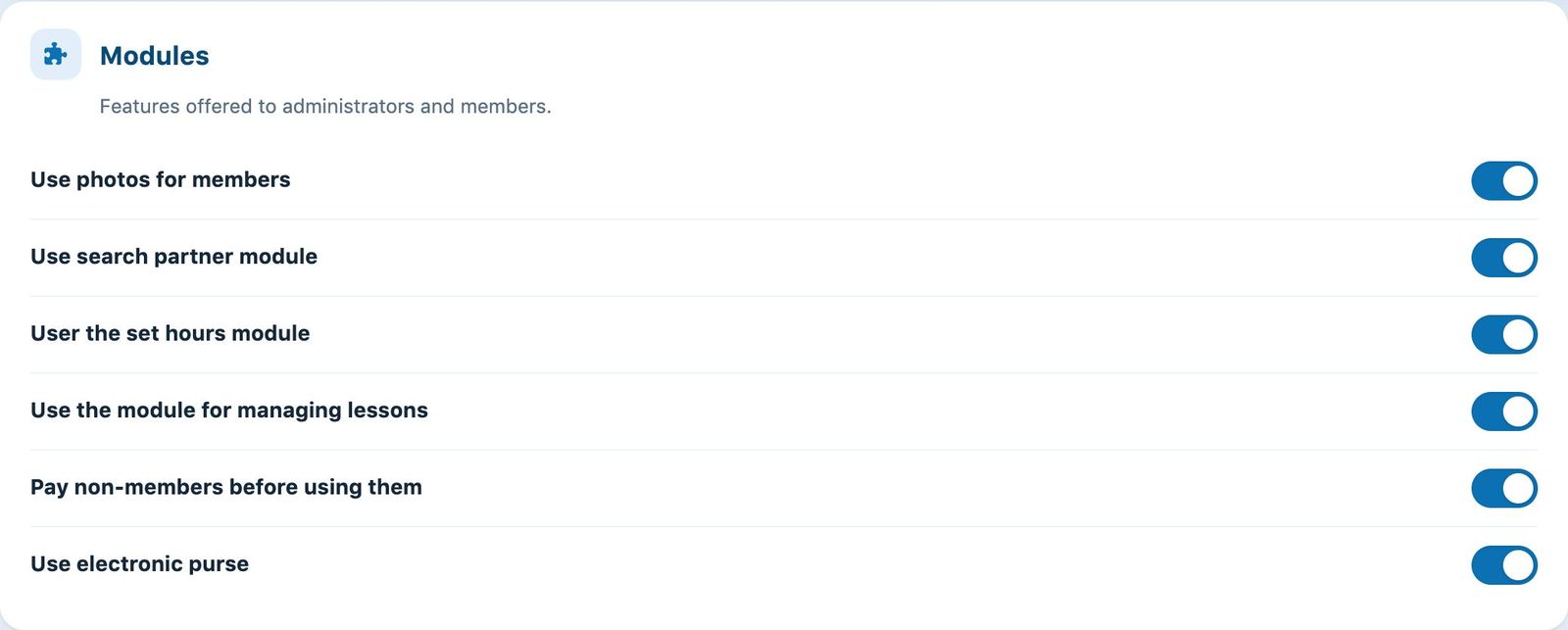
The Modules section of the settings, with the switch for the lesson module.
3Find the module in the menu
Once saved, the module Lessons (mortarboard icon) appears in the side menu. It contains the following pages:
- Manage lessons: create, edit, copy and delete lessons and camps;
- Manage registrations: register people, follow registrations, invoice and export lists;
- Manage groups: assign the registered people to groups by drag and drop and create the bookings;
- Manage coaches' times: view the lesson schedule for each coach;
- Grouped payments: follow the registrations paid in one go by families.
Don't need the module? For a simple weekly training session without registrations or invoicing, a recurring court booking is enough (Reservation module, Manage recurrences page).
Plugin.ch tutorial — Manage lessons