


Manage courts
Manage sports
Add the sports offered for booking, their icon and their display order
Sports are the starting point of the setup: each sport is then linked to one or more seasons, and then receives its courts, subscriptions and rates. A sport is created only once and is used for all seasons.
Open the list of sports
In the left side menu, open Sport then click Manage sports. The list shows each sport with its icon.
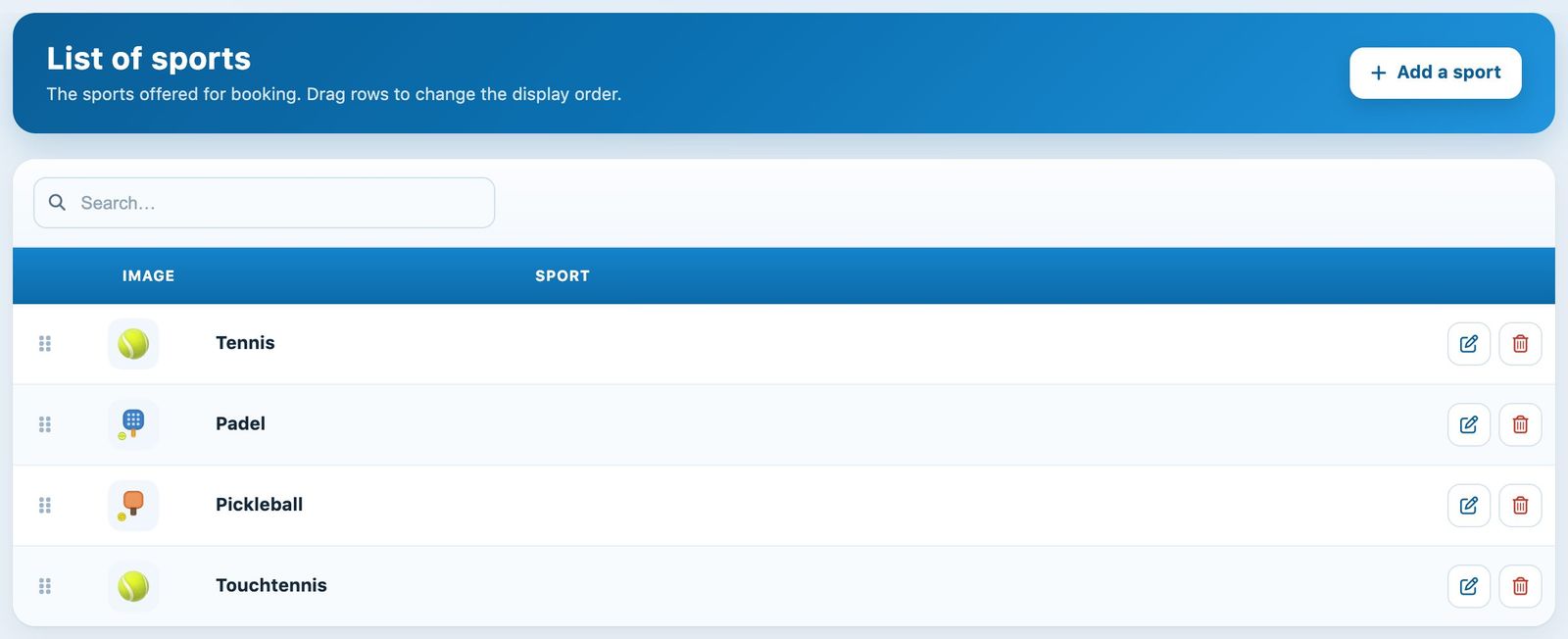
The club's list of sports
The order of the list is the order in which sports are offered to players. To change it, drag the rows using the handle on the left: the order is saved immediately.
Add a sport
Click + Add a sport, enter the name of the sport, then choose its Icon by clicking one of the icons. If your club manages several buildings, also choose the Building where this sport is played.
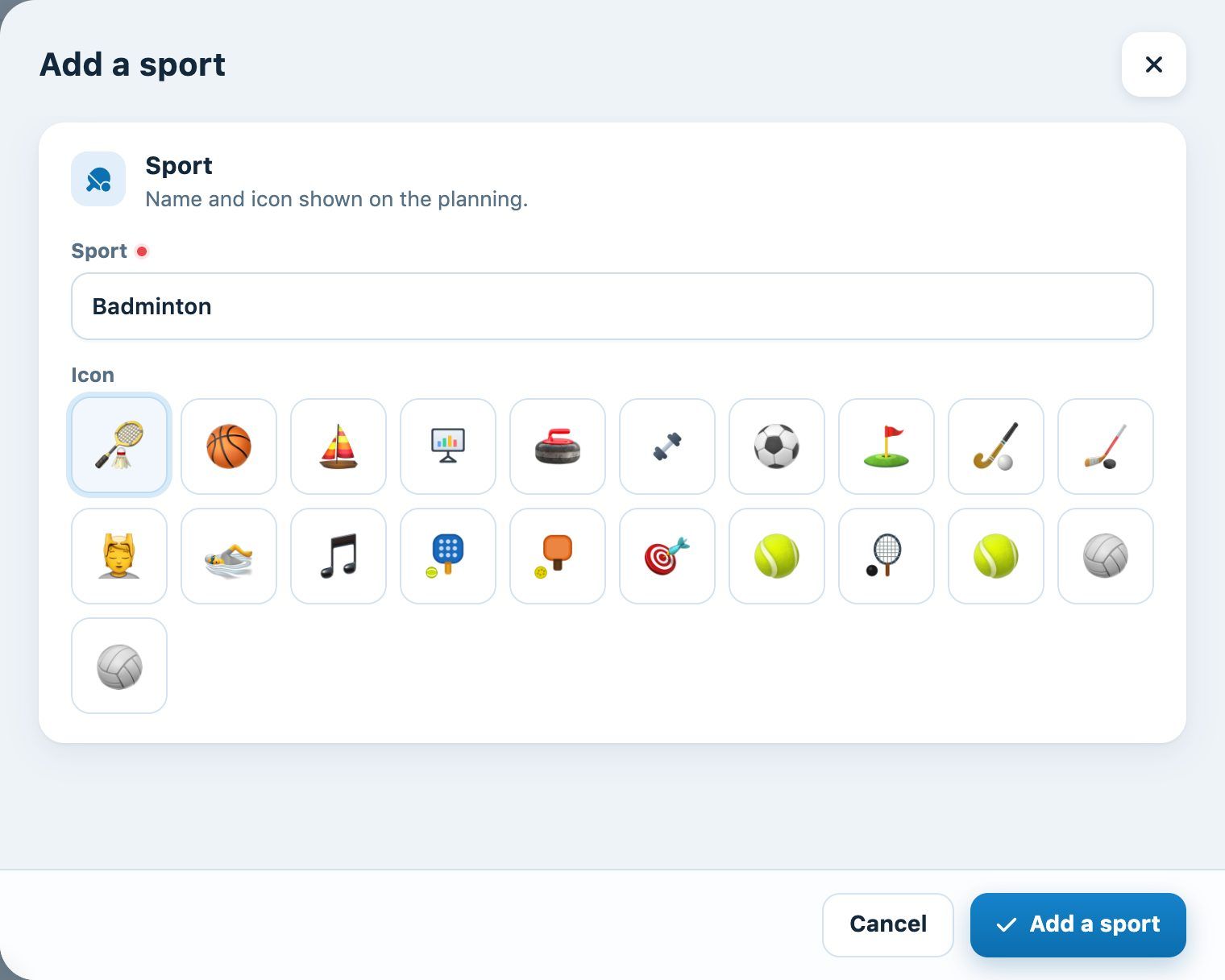
The "Add a sport" panel
Click Add a sport to confirm. The message "The sport has been added" appears and the list reloads.
The number of sports depends on your Plugin.ch plan. When the limit is reached, the add button is replaced by the message "Your pack's sport limit is reached": contact Plugin.ch to change your plan.
Edit a sport and embed it on your website
Click the pencil icon of a sport to change its name, icon or building. The Embed on your website section of the panel gives the link to this sport's schedule, to embed (iFrame) in the club's website: click Copy and send this link to the person who manages your website.
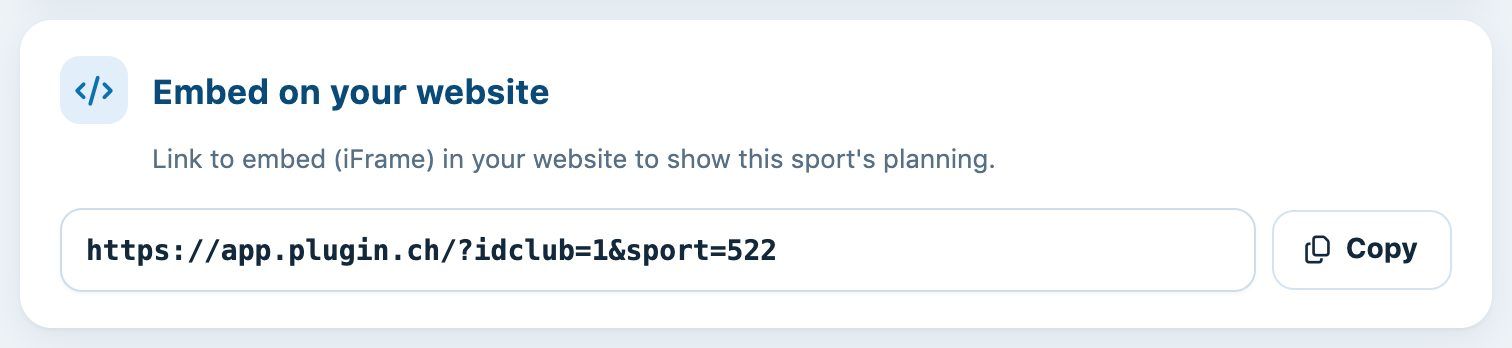
The embed link for a sport's schedule
Delete a sport
Click the trash icon, then confirm. A sport still linked to a season is not deleted: first remove its links in Sport → Link a sport to a season.
Next step: link the new sport to a season so that it can be booked. See the article Link a sport to a season.
Plugin.ch Tutorial — Manage courts