


Manage members
Handling erasure requests (GDPR)
When a member asks to leave the club or to delete their account
Your members can ask themselves, from their profile, to leave the club or to delete their account (see My data: export or delete my account). If nothing stands in the way, the erasure is done immediately, without the club's involvement. If something still blocks it, for example an open invoice, the request is passed on to the club, on the page Erasure requests.
Data is never simply deleted: the record is anonymised, which means that the name, contact details, card and groups are erased. Accounting documents (invoices, payments, wallet movements) keep the name for the legal retention period of 10 years, and are then anonymised too.
This page is reserved for administrators who have access to the Members module.
Spot pending requests
When a request is waiting, the To do card on the administration home page shows it, for example "2 pending erasure requests (GDPR)". A request must be handled within the one-month legal deadline. Click the line to open the page.
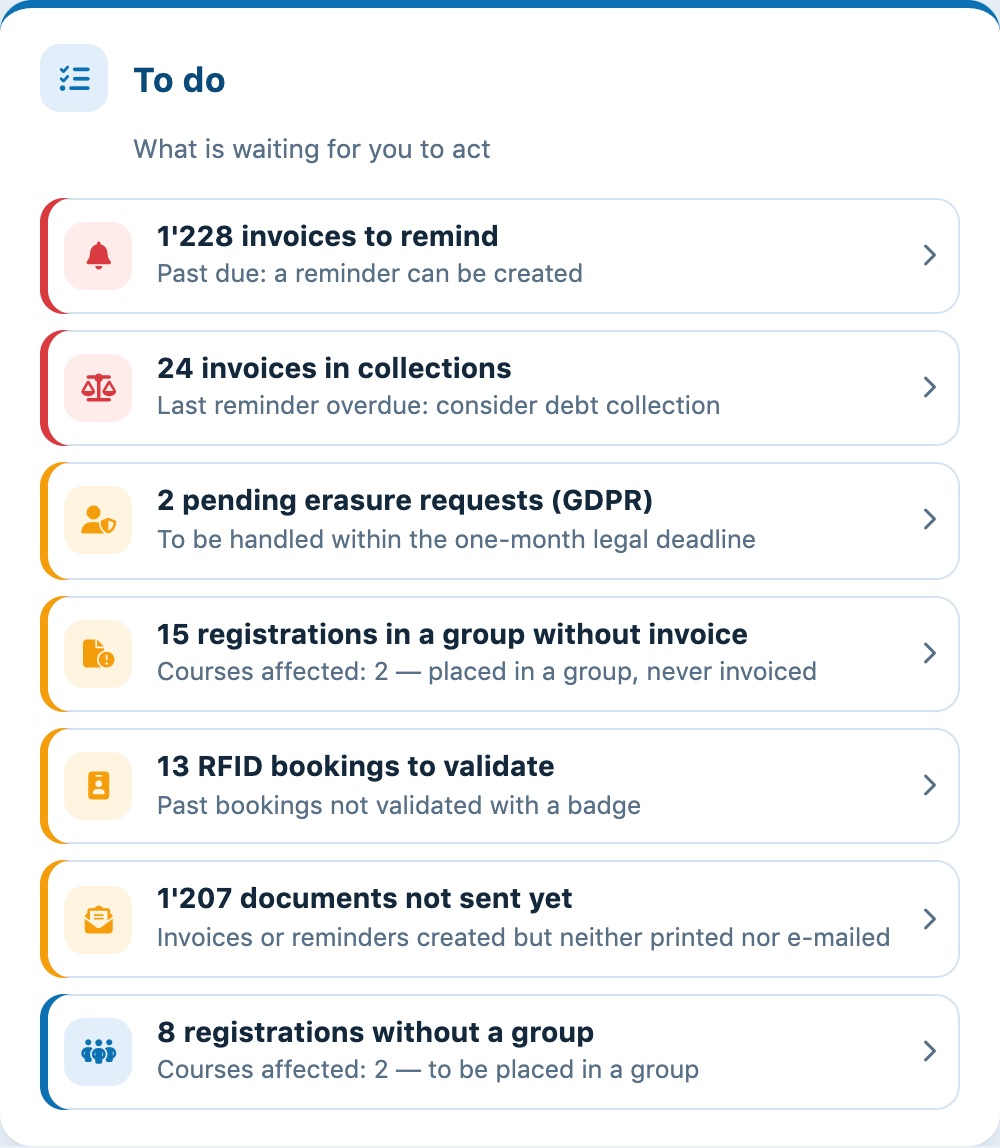
Pending requests shown on the home page
The page can also be opened from the left side menu: Members then Erasure requests.
Settle what is blocking
The To handle table lists the open requests: the member, their request (Leave the club or Delete the account), the date and the column Still to settle. Click the name to open the member's record.
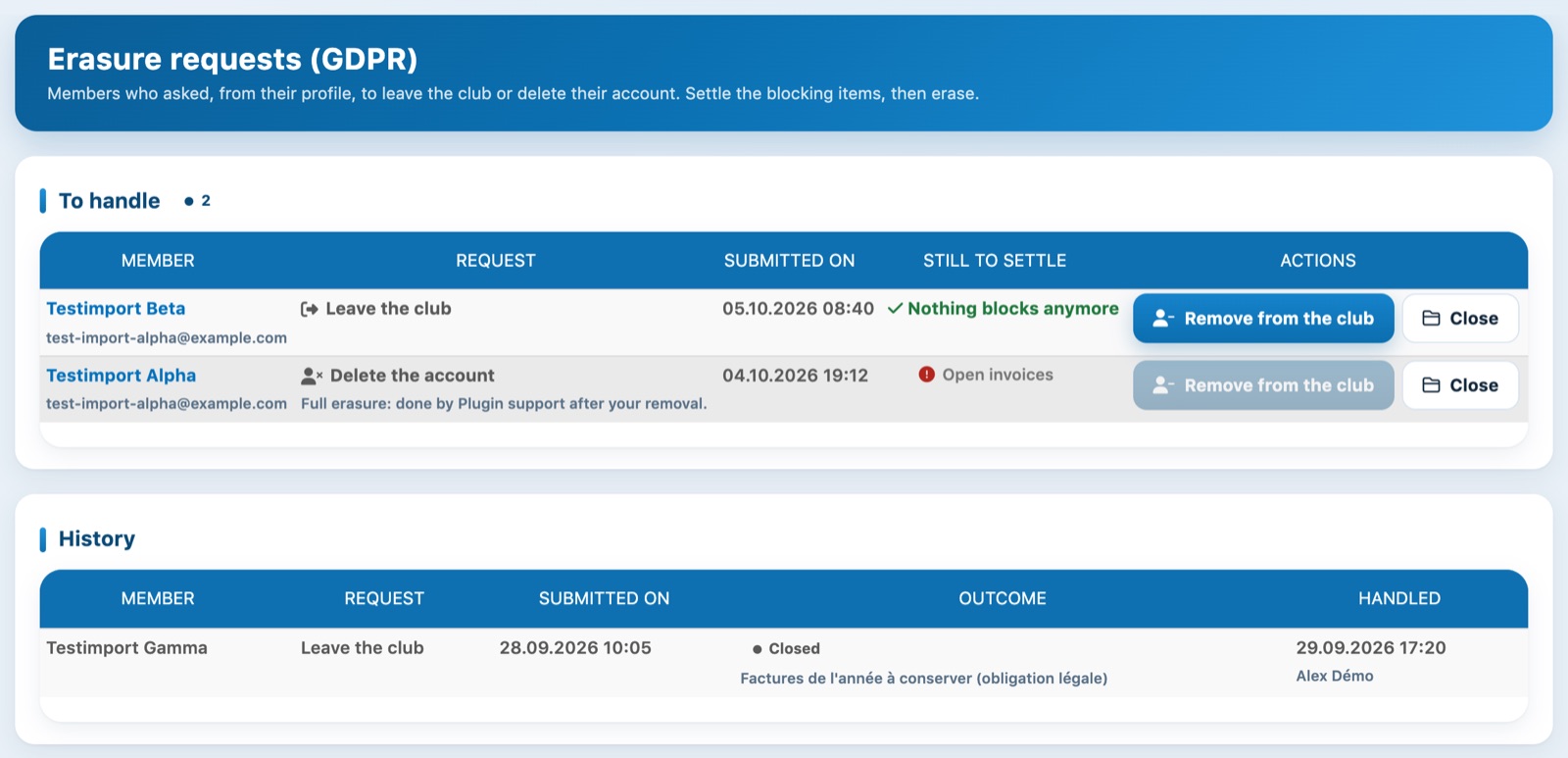
One request ready to handle and one still blocked by an invoice
Blocking points are recalculated each time the page is opened:
| Blocking point | What to do? |
|---|---|
| Open invoices | Collect or cancel the member's unpaid invoices. |
| Wallet to settle | Refund or settle the wallet: Plugin.ch never refunds anything automatically, the club decides. |
| Upcoming bookings | Cancel their future bookings, with or without a refund, as you choose. |
| Fixed hours this season | Remove the member from their fixed hours. |
| Club contact person | Appoint another contact person for the club. |
| Administration role | Remove their administrator roles. |
When nothing blocks anymore, the column shows Nothing blocks anymore and the Remove from the club button becomes active.
Remove the member from the club
Click Remove from the club and confirm. The member's record in your club is erased: they are removed from the members, and their card, access code, groups, licences and subscription to the club newsletter are deleted. This is permanent.
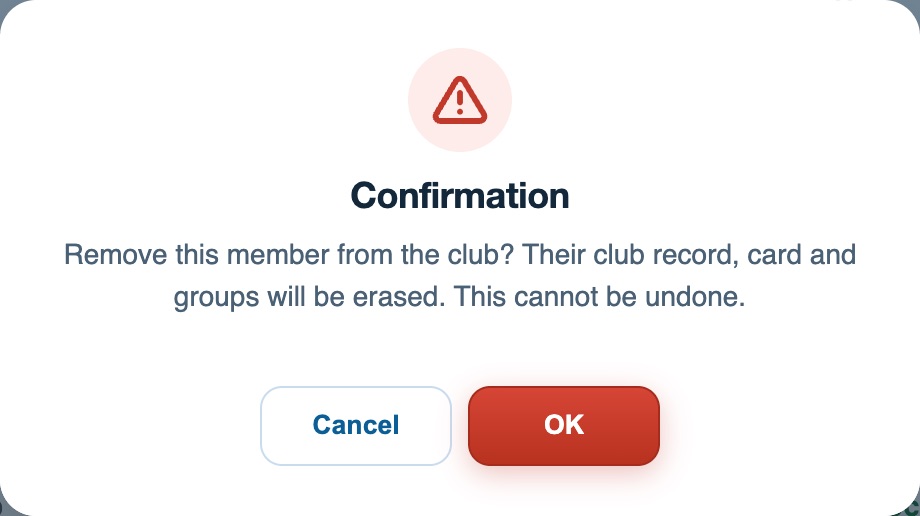
The confirmation before removing the member from the club
- For a request Leave the club, the request is closed.
- For a request Delete the account, the account may be used in other clubs: you remove the member from your club, then Plugin.ch support carries out the full erasure of the account.
Close a request
If you cannot follow up the request, for example because of a legal retention obligation, click Close. Enter the reason and confirm: this reason is included in the e-mail sent to the member.
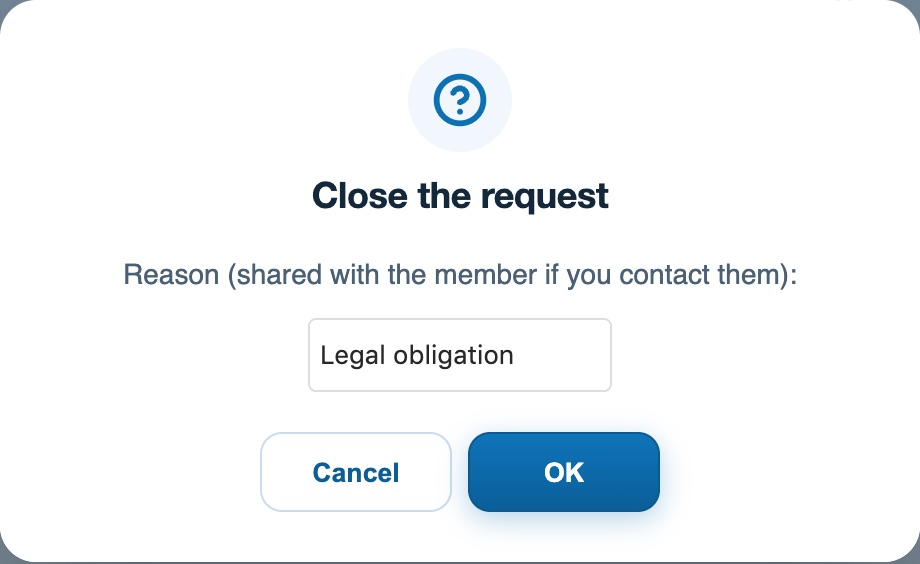
Closing a request with a reason
Handled requests move to the table History, with their outcome (Erased or Closed), any reason, the date handled and the administrator who handled it.
The member is notified automatically by e-mail, in their language, as soon as you click Remove from the club or Close. This message is the same for all clubs: it states the outcome of the request, reminds them that accounting records are kept for 10 years and, for a closed request, includes your reason. It cannot be edited.
Plugin.ch tutorial — Managing members