


Payments and wallet
How do I view and pay my invoices?
Annual fee, memberships, lessons… your club invoices are grouped on the My invoices: click your name at the bottom of the left menu, then My invoices (on a phone: My profile in the bottom bar, then the My invoices).
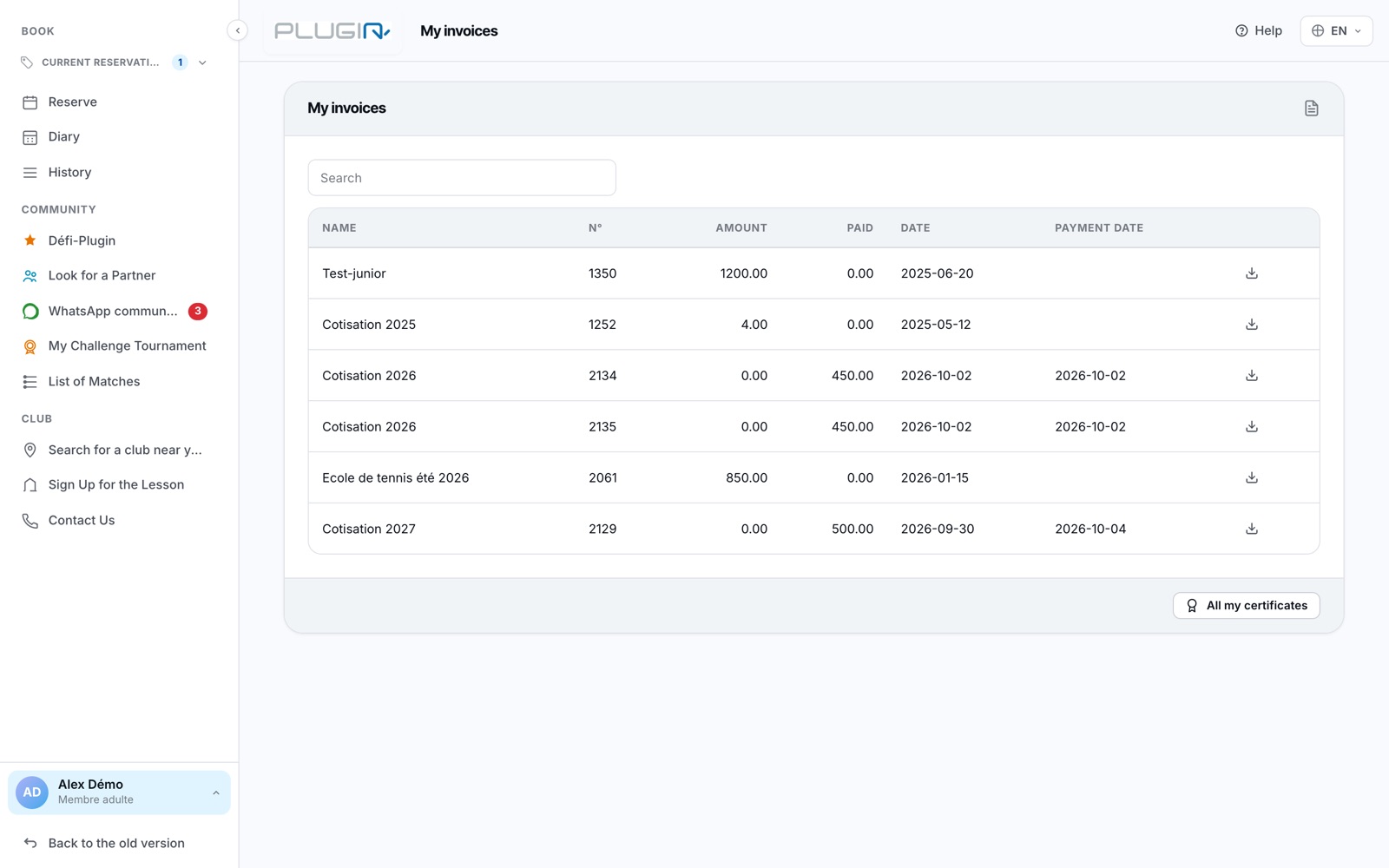
The My invoices page
Pay an invoice online
Open the invoice: depending on your club, you can pay it online (TWINT, credit card) or by bank transfer using the attached QR bill. Once the payment is recorded, the invoice is marked as "paid".
Get a payment certificate
Once the invoice is fully paid, a medal icon appears on its line: it downloads a payment certificate as a PDF, with a verification code. The All my certificates button opens the certificates page (membership, annual summary). See How do I download my certificates?
A badge on the "My invoices" menu entry alerts you to open invoices.
Plugin.ch Tutorial — Payments and wallet