


Member access
Access the program
What a member sees: opening the club's site, logging in, recovering their password and logging out
Opening the club's booking site
Each club has its own address, such as club-name.plugin.ch, or a link from its website. Without logging in, the member already sees the day's court table and the left-hand menu: Reserve, Diary, Look for a Partner, Sign Up for the Lesson, Forgot password?, Contact Us…
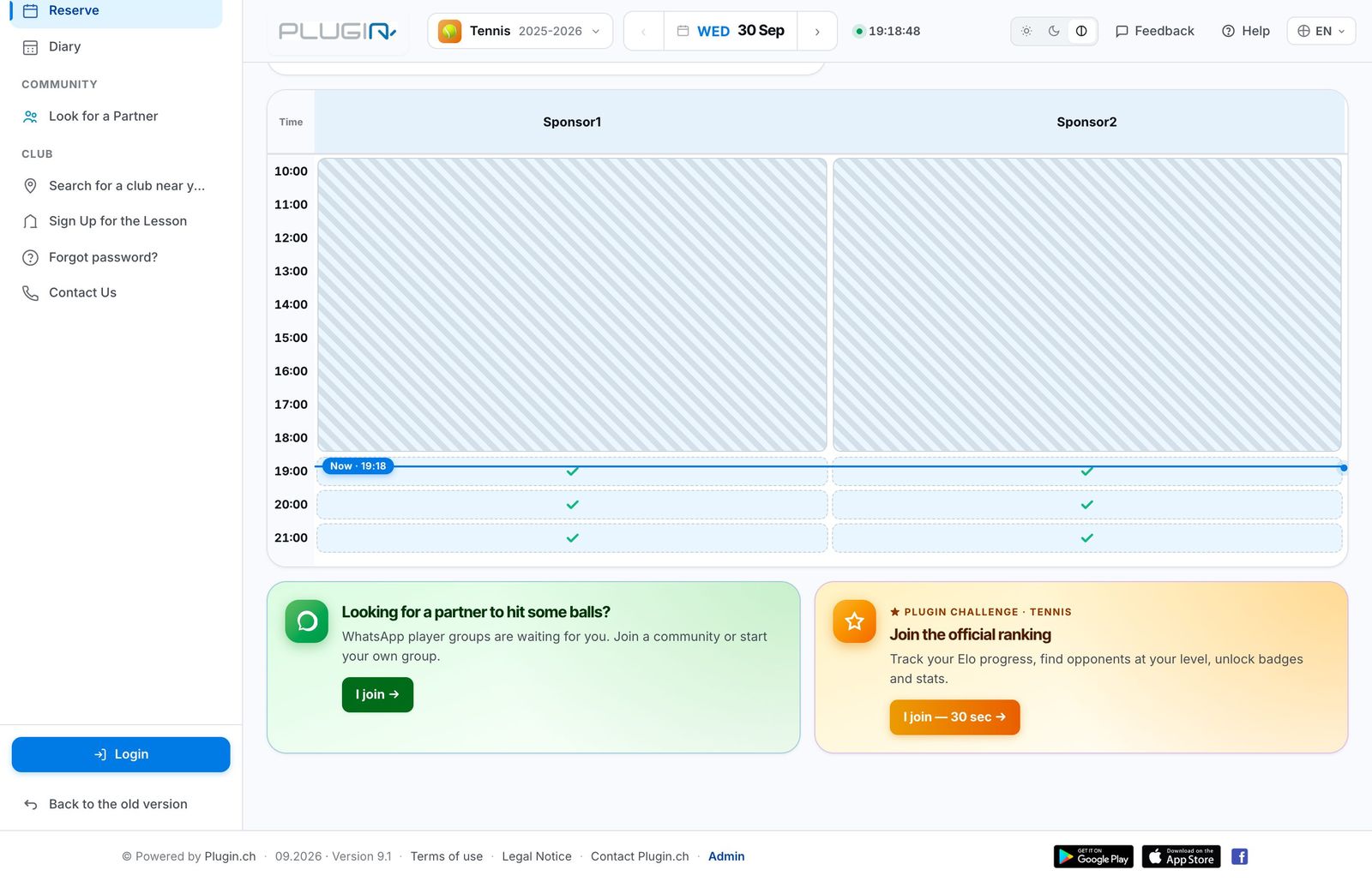
A club's booking site before logging in
The arrow at the top of the menu collapses or expands it. On a phone, the menu opens with the icon at the top left.
Log in
The member clicks Log in, at the bottom of the left-hand menu, then enters their Username and their Password received from the club. They can tick Remember me and enable biometric login (fingerprint or Face ID) on their device; the Biometric login button then logs them in without a password.
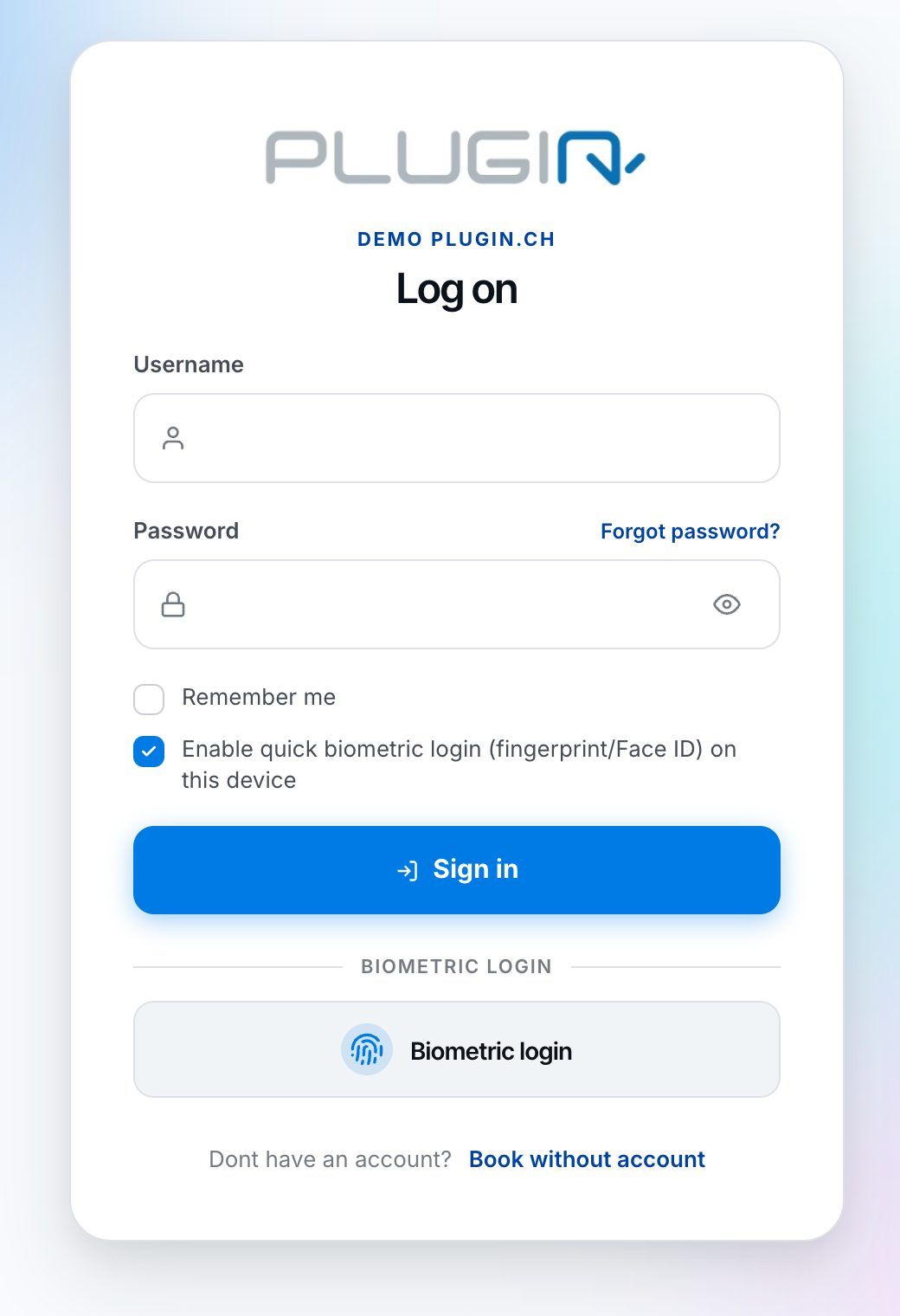
The club's login page
A person without an account can, if the club allows it, click Book without account.
A member's username and password are in their profile, on the administration side (section Account and access). You can enter a new password there if the member has no e-mail address.
Forgotten password
The member clicks Forgot password? (on the login page or in the menu), enters their username or e-mail address and clicks Create a new password. They receive an e-mail with their username and a link, valid for 3 days, to choose a new password.
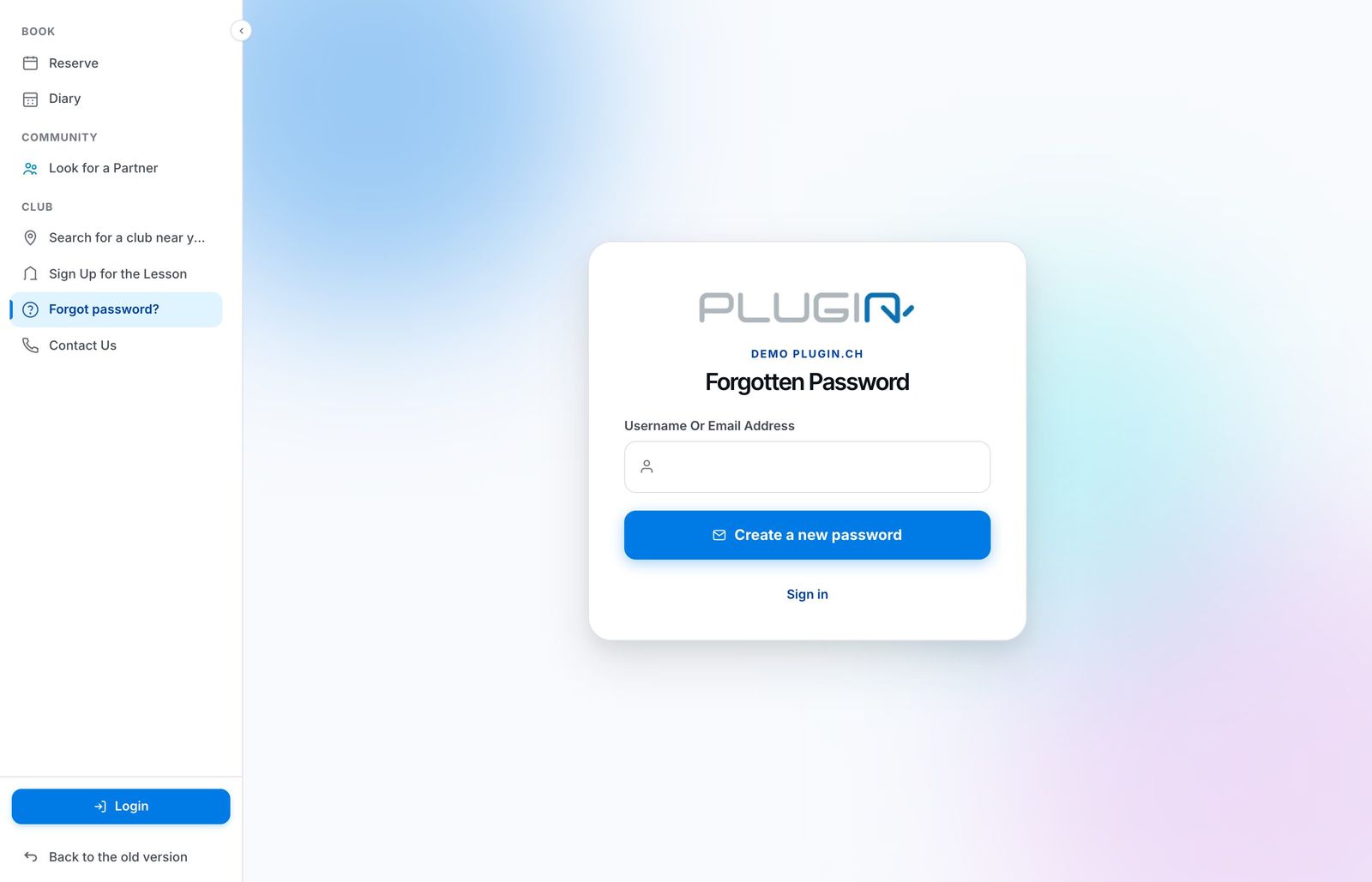
The Forgot password page
If the e-mail does not arrive within a few minutes, the member should check their spam folder. Without a valid e-mail address in their profile, no e-mail can be sent: correct it in their profile.
First login: checking the profile
On first login, the member lands on My profile. They must check their data (e-mail, address, phone…) and click Modify Profile before they can book. The My family and Merge tabs let them manage their family members and merge several accounts.
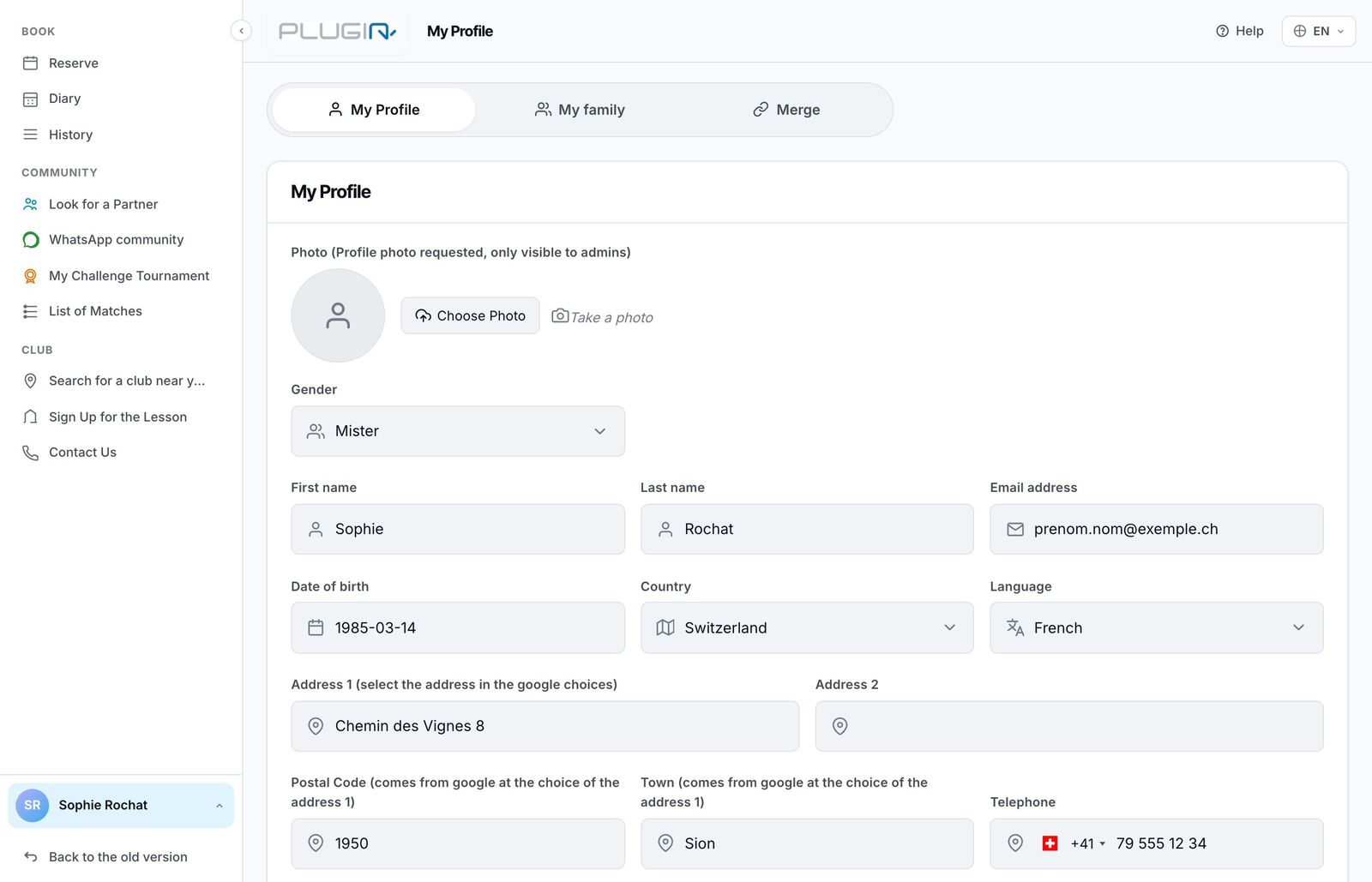
The My Profile page, to be checked on first login
The account menu and logging out
Once logged in, the member's name and membership appear at the bottom of the left-hand menu. Clicking it opens the account menu: My profile, My Wallet, My invoices (and restaurant vouchers if the club uses them) and Log out.
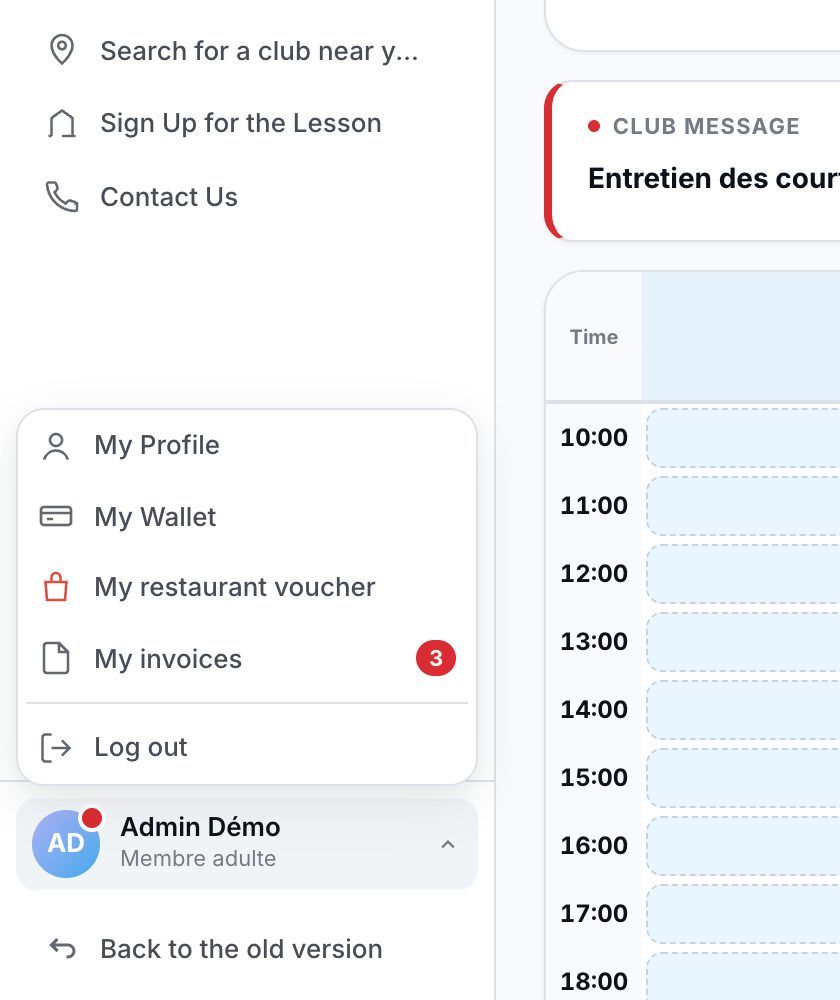
The account menu, at the bottom left
Remember to log out on a shared computer. The Back to the old version link, at the very bottom, shows the site's old layout during the transition period.
Plugin.ch Tutorial — Member Access