


My profile
A family member wants to become a member, can I add them?
Yes. Open My profile (your name, at the bottom of the left menu), then the Family tab. Two cards let you add someone:
- Add family member: to create an account for a child or relative who does not yet have a Plugin account;
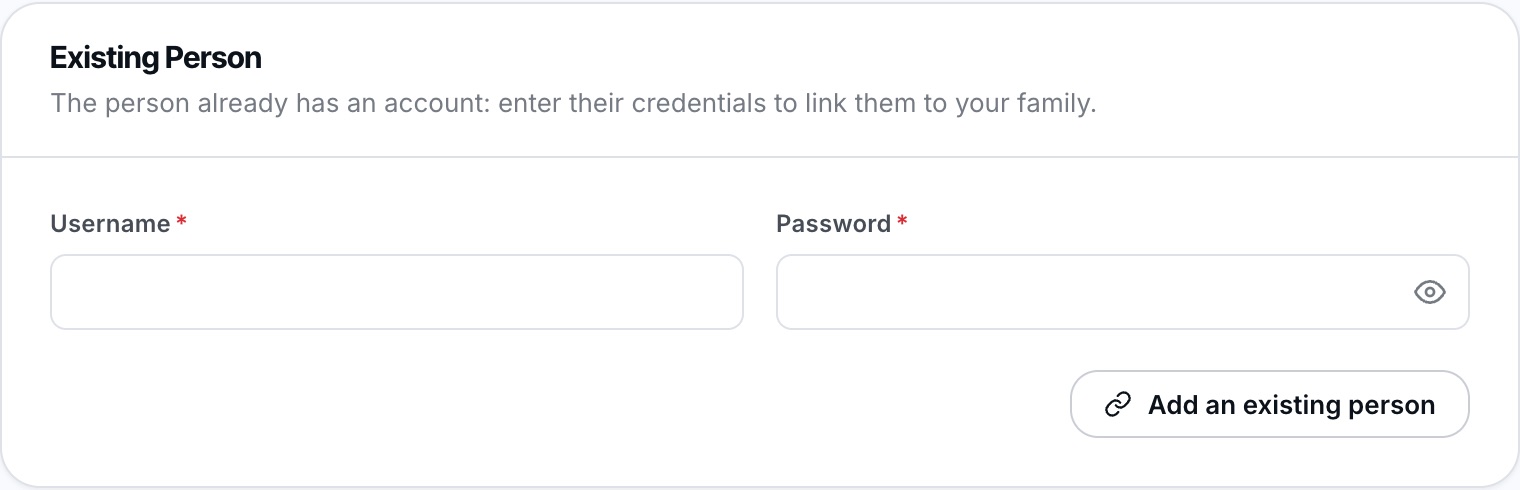
- Existing Person: to link a person who already has an account, using their username and password.
The main advantage: family invoices are grouped, and you can book on behalf of your children (see How do I book for a family member?).
Create a new member's account
Fill in the Add family member card: photo (if the club asks for one), gender, date of birth, first name, last name, e-mail address and your club's own fields. If needed, choose a membership in Membership: it is not compulsory, for example to sign the child up only for a lesson or a camp. Then click Add a new person.
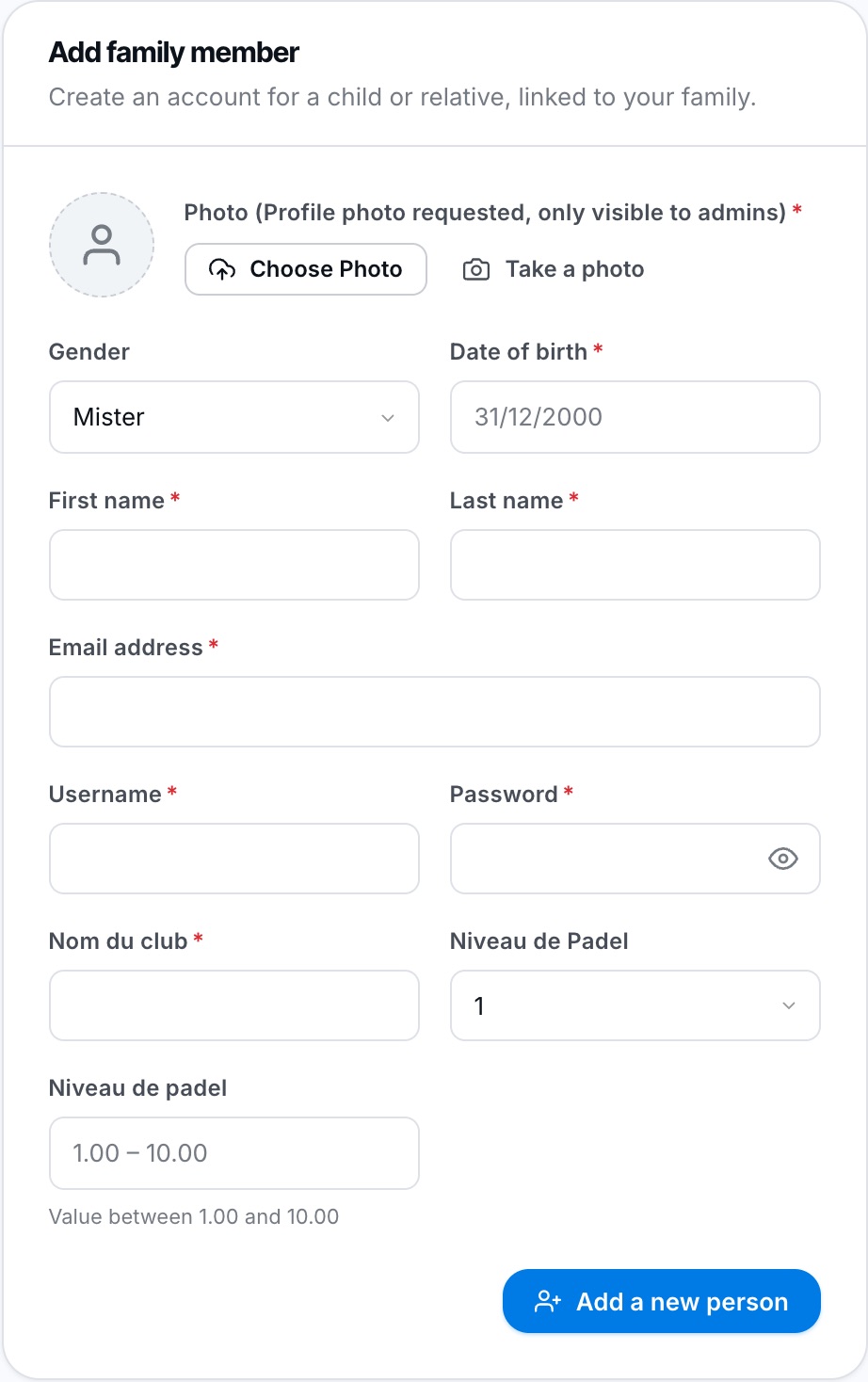
The card for adding a new family member.
This card only appears if your club accepts online registrations. If you do not see it, contact the club office: they can add the person for you.
Link a person who already has an account
In the Existing Person card, enter the Username and Password of the person, then click the button below the fields.
Plugin.ch Tutorial — My profile