


Manage sponsors
Re-invoice sponsors
Prepare sponsor invoicing for a new year
Setting sponsors back to "to be invoiced"
Each year, before invoicing the running contracts again, open Members › Manage sponsors and click Cancel invoicing, then confirm.
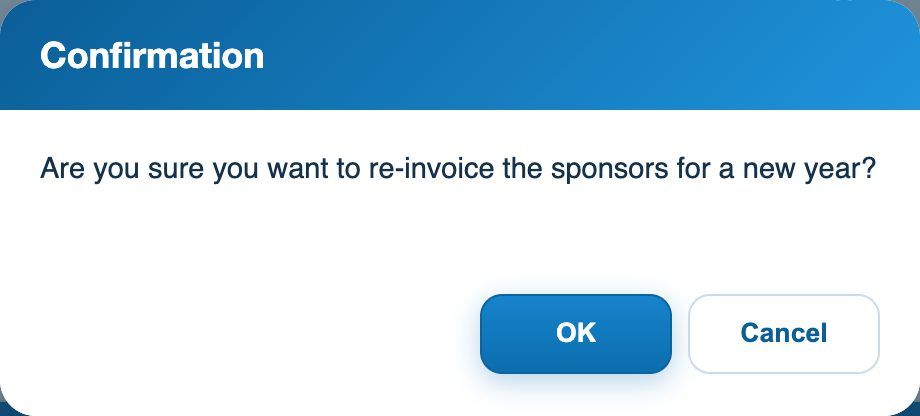
The confirmation before re-invoicing sponsors for a new year
The date Invoiced on of all the club's sponsors is cleared: they become "to be invoiced" again. Invoices already created are neither cancelled nor modified.
Invoicing the new year
Then click Send for invoicing: sponsors whose contract is running are added to the invoicing again (see the article Invoice sponsors). Contracts that have ended are not included.
⚠️ Note
Use Cancel invoicing only once a year, when re-invoicing: if you then click Send for invoicing in the same year, the sponsors will be invoiced a second time. To cancel an invoice issued by mistake, go through the invoices.
Plugin.ch tutorial — Managing sponsors