


My profile
My data: download, leave the club, delete my account
Your rights under the Swiss FADP and the GDPR, self-service
The My data tab of your profile lets you exercise your rights over your personal data yourself (Swiss data protection act and GDPR):
| Action | Effect |
|---|---|
| Download my data | A file with everything Plugin keeps about you. Nothing is changed. |
| Leave the club | Your member record at the club shown is erased. Your account remains valid at your other clubs. |
| Delete my account | Your account and personal data are erased at all your clubs. This is final. |
Open the My data tab
Open My profile (click your name at the bottom of the left menu, or tap My profile in the bottom bar on a phone), then the tab My data.
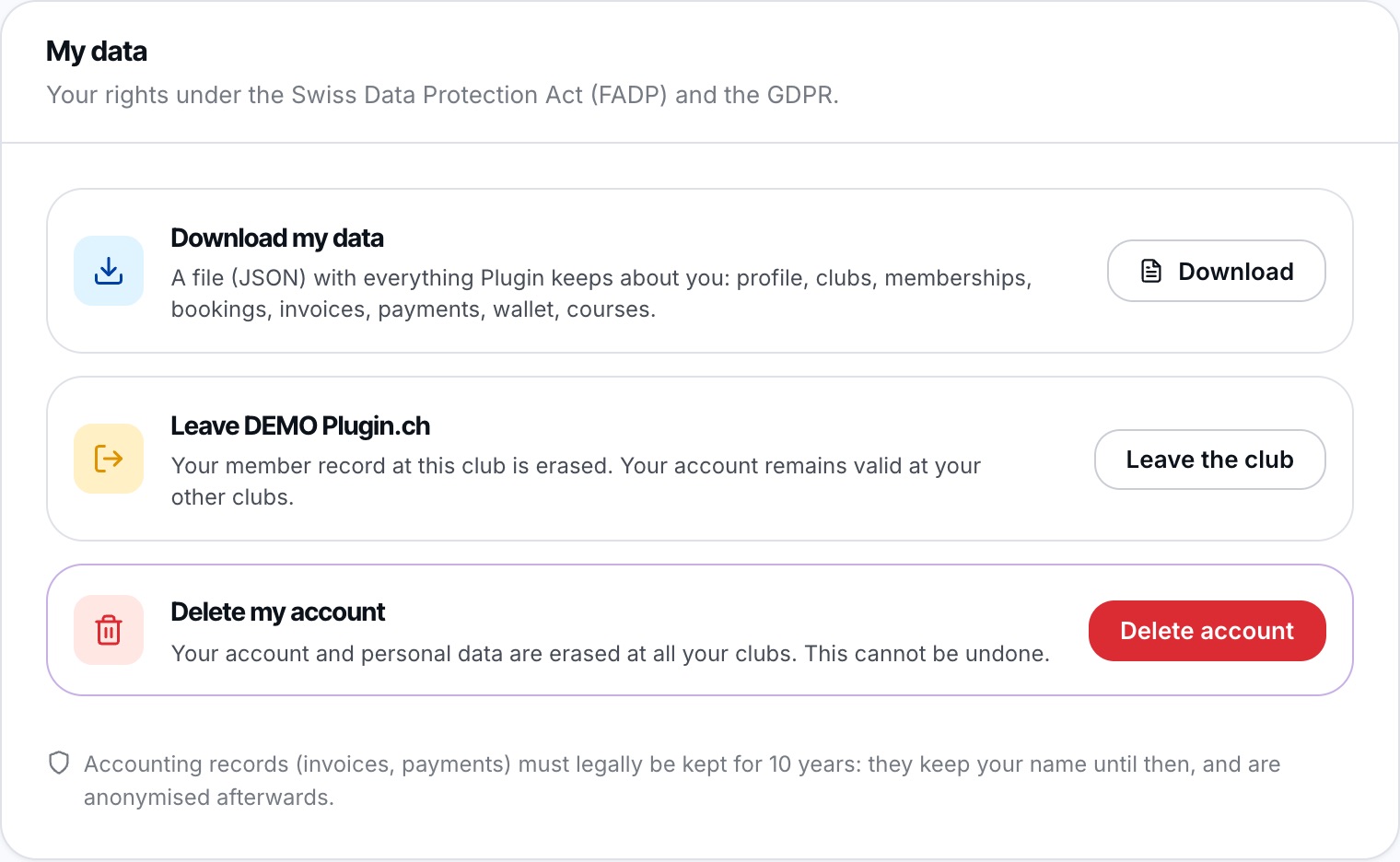
The three actions of the My data tab.
If you have switched to a family member's account, the tab is blocked: first go back to your own account.
Download my data
Click Download. You receive a JSON file (readable by a program or a text editor) containing your profile, clubs, memberships, bookings, invoices, payments, wallet movements, lessons, licences and the list of e-mails received.
Your password and access codes are not included.
Leave the club or delete my account
Click Leave the club, or the red button on the Delete my account line. A window explains what will be erased and lists the clubs concerned. To confirm, enter your password in Confirm with your password then click Confirm.
- Leave the club: your member record, card and groups at this club are erased, then you are logged out.
- Delete my account: your name, contact details, photo and username are erased everywhere. Your past bookings remain in the clubs' statistics under an anonymous name.
Both actions are final. If the password is wrong, nothing is done.
When erasure cannot be done right away
Some situations must first be settled with the club. The window then lists them under “Erasure cannot be done right away” and the button becomes Send the request to the club.
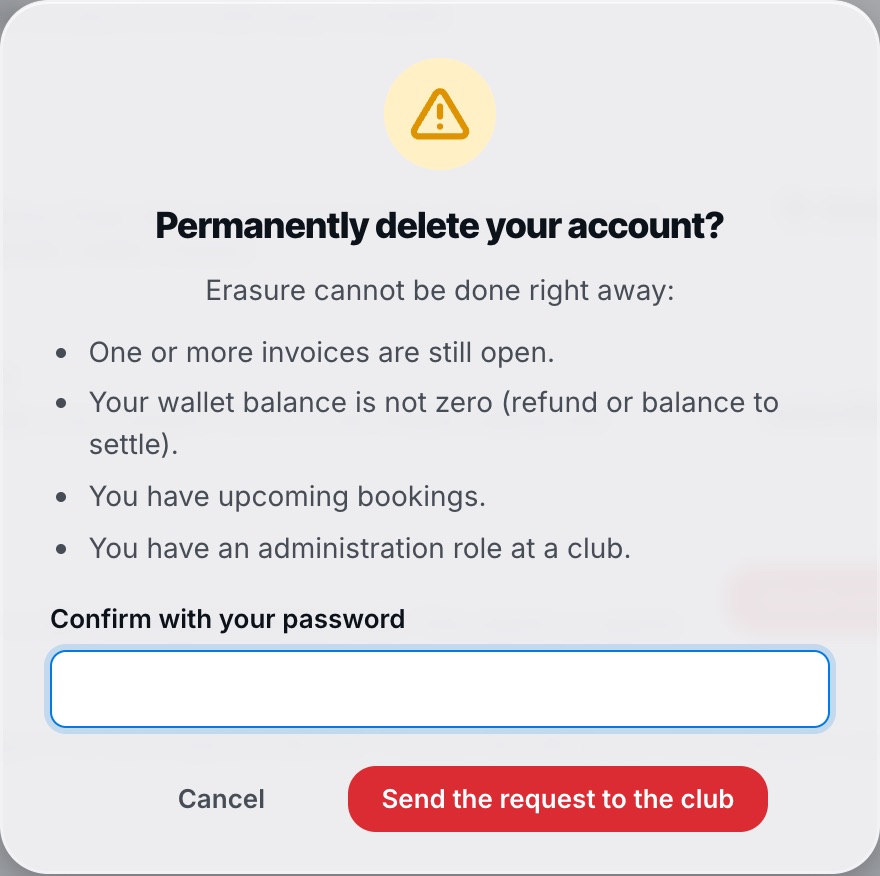
Example: open invoices, wallet balance and upcoming bookings.
Possible reasons are:
- one or more invoices are still open;
- your wallet is not at zero (refund or balance to settle);
- you have upcoming bookings;
- you have fixed hours in the current season;
- you are a club's contact person;
- you have an administration role at a club.
When you confirm with your password, your request is sent to the club: it settles these points and then erases your data. You receive an e-mail as soon as your request has been processed, or if the club closes it without erasure (with its reason). If you click again later, the message “Your request is already recorded: the club is handling it.” is shown.
Accounting records (invoices, payments) must legally be kept for 10 years: they keep your name until then, and are anonymised afterwards.
Plugin.ch Tutorial — My profile