


Manage members
Managing duplicates: merging two profiles
Find people entered twice and bring their history together on a single profile
Open the list of duplicates
In the left-hand menu, open Members › Manage duplicates. The page lists potential duplicates: people whose last name, first name and e-mail are almost identical, or whose last name and first name have been swapped.
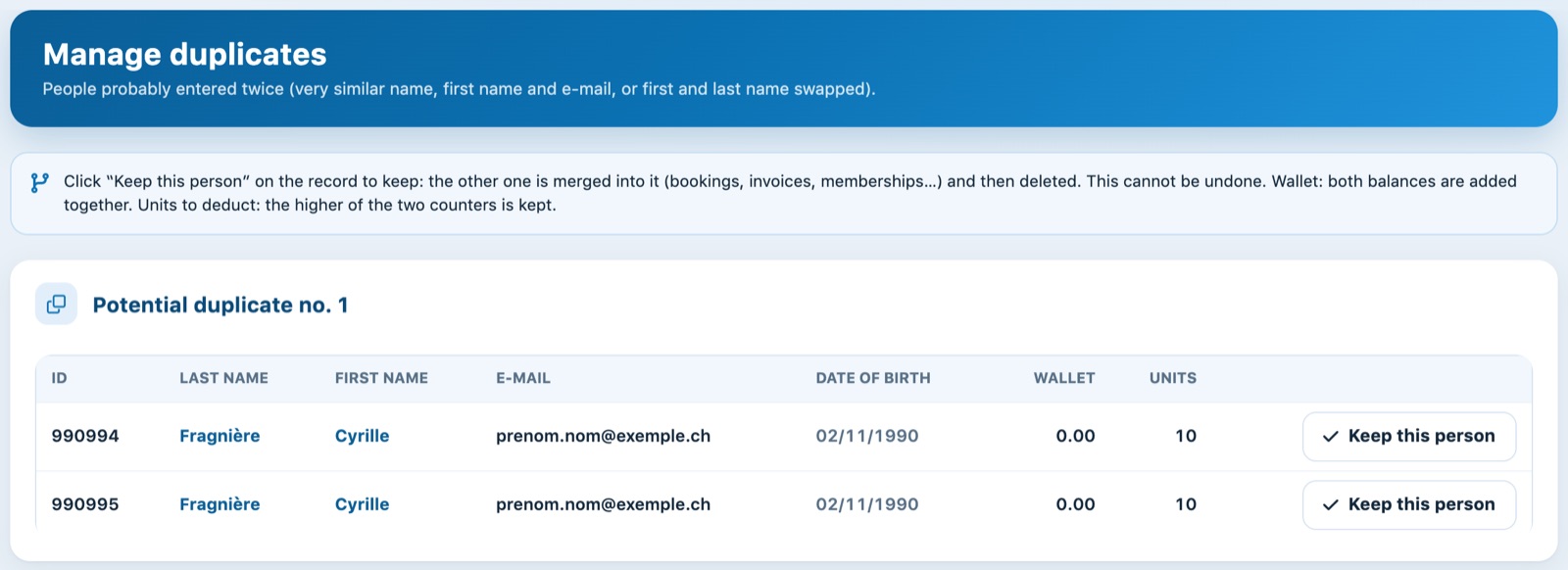
A potential duplicate: the same person entered twice
Each potential duplicate shows the two records side by side: ID, last name, first name, e-mail, date of birth, balance of the Wallet and Units to deduct for the current seasons. Click the name to open the record and check subscriptions, invoices and bookings before deciding. If no pair is found, the page shows No potential duplicates were found.
Choosing the profile to keep
Click Keep this person on the row of the profile to keep, usually the most complete one or the one the member uses to log in. Confirm the merge.
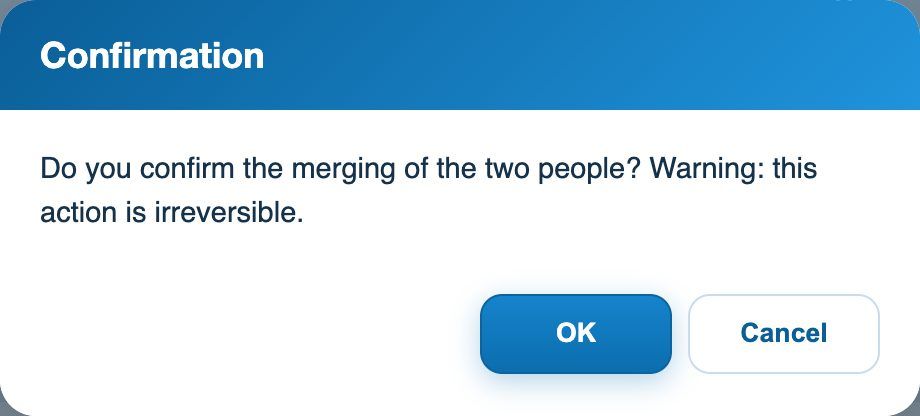
The confirmation before the merge
The other record is merged into the one you keep, then deleted: bookings, invoices and payments, subscriptions, course registrations, linked items, fixed hours, groups and units to deduct move to the kept record. The two wallet balances are added together; for units to deduct, the higher of the two counters is kept. The duplicate then shows the badge Merged.
⚠️ Irreversible action
A merge cannot be undone. The username, password, e-mail and address of the deleted profile are lost: check that the profile kept has the right contact details, and correct them if needed with the pencil in the list of members. If the deleted person was registered in another club, that registration moves to the profile kept.
💡 On the member's side
A member who has several accounts can merge them from their profile, tab Merge (see the article I have several accounts: how do I merge them into a single login?). To avoid duplicates, always search for the person before creating them.
Plugin.ch tutorial — Managing members