


Manage sponsors
Invoice sponsors
Add each contract's amount to the sponsor's next invoice in one click
Sending sponsors for invoicing
In Members › Manage sponsors, click Send for invoicing, at the top of the page, then confirm.
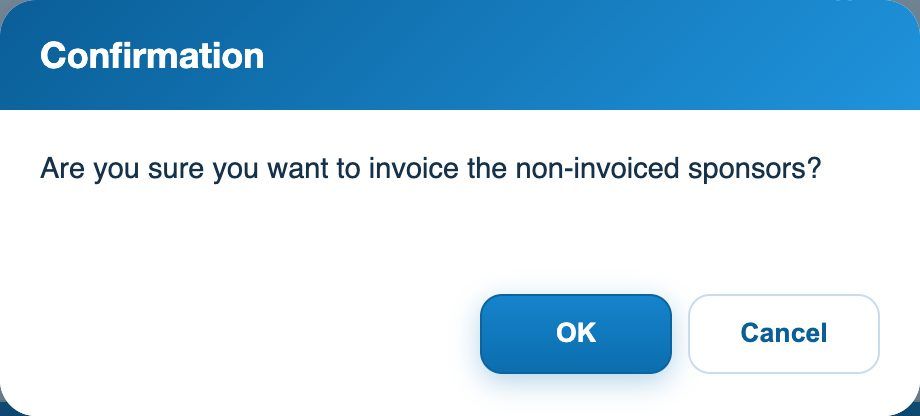
The confirmation before sending for invoicing
For each sponsor whose contract is running (today's date between start and end) and who has not yet been invoiced, Plugin.ch links to the sponsor an item with the contract's label and price. The column Invoiced on takes today's date.
Creating and sending the invoices
The amounts are now waiting in the sponsor's linked items: they are included in the next invoice created for them, like any linked item (see the article Create invoices). You find them in Invoices › Link an item.
💡 Tip
A sponsor already invoiced (date in Invoiced on) is not included a second time. To invoice a new year, see the article Re-invoice sponsors.
Plugin.ch tutorial — Managing sponsors