


My profile
How can I change my password?
1
Open the Sign-in card
Open My profile: click your name at the bottom of the left menu, then My profile (on a phone, tap My profile in the bottom bar). In the Profile tab, scroll down to the card Sign-in.
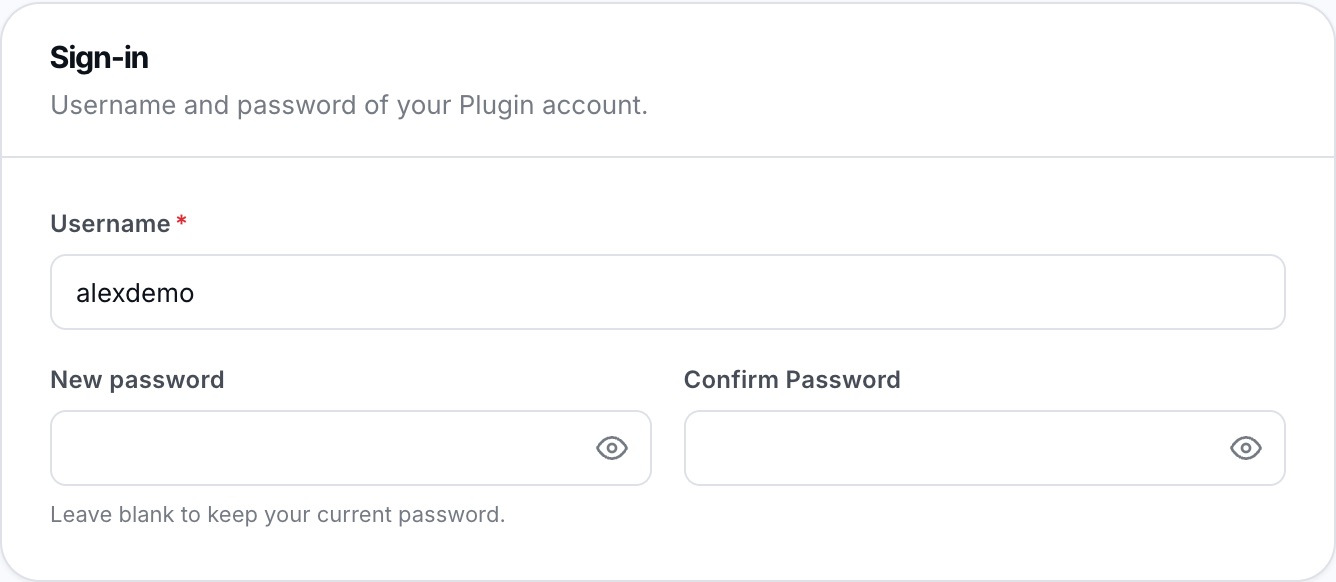
The Sign-in card: username and new password.
2
Enter the new password
Type the new password in New password, then a second time in Confirm Password. The eye icon shows or hides what you type. Leave these fields empty to keep your current password.
You can also change your Username in the same card.
3
Save
Click Save, in the bar at the bottom of the screen.

Forgot your password and can no longer log in? See I've lost my password. How can I recover it?.
Plugin.ch Tutorial — My profile