


Bookings
How can I make a booking
Choose a free slot
On the Reserve page, choose the sport and the day at the top, then click a box with a green tick: it is free.
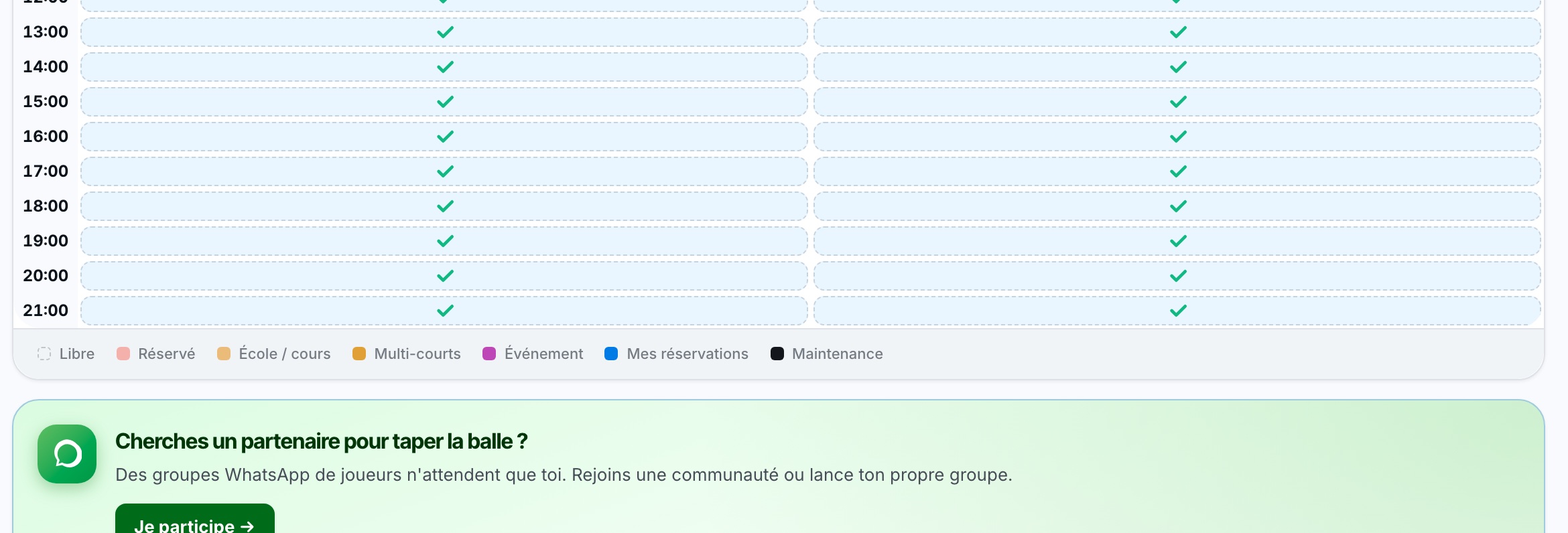
Free boxes are marked with a green tick; the legend below the grid explains the colours.
Complete the booking panel
A panel opens on the right (at the bottom on a phone). Depending on your club and membership, you choose:
- the number of players and the length of the booking;
- your partners: click a favourite partner, or type the first letters of their name in Search a member by name… and choose them in the list;
- a non-member guest with the Guest (see How can I book with a guest?).
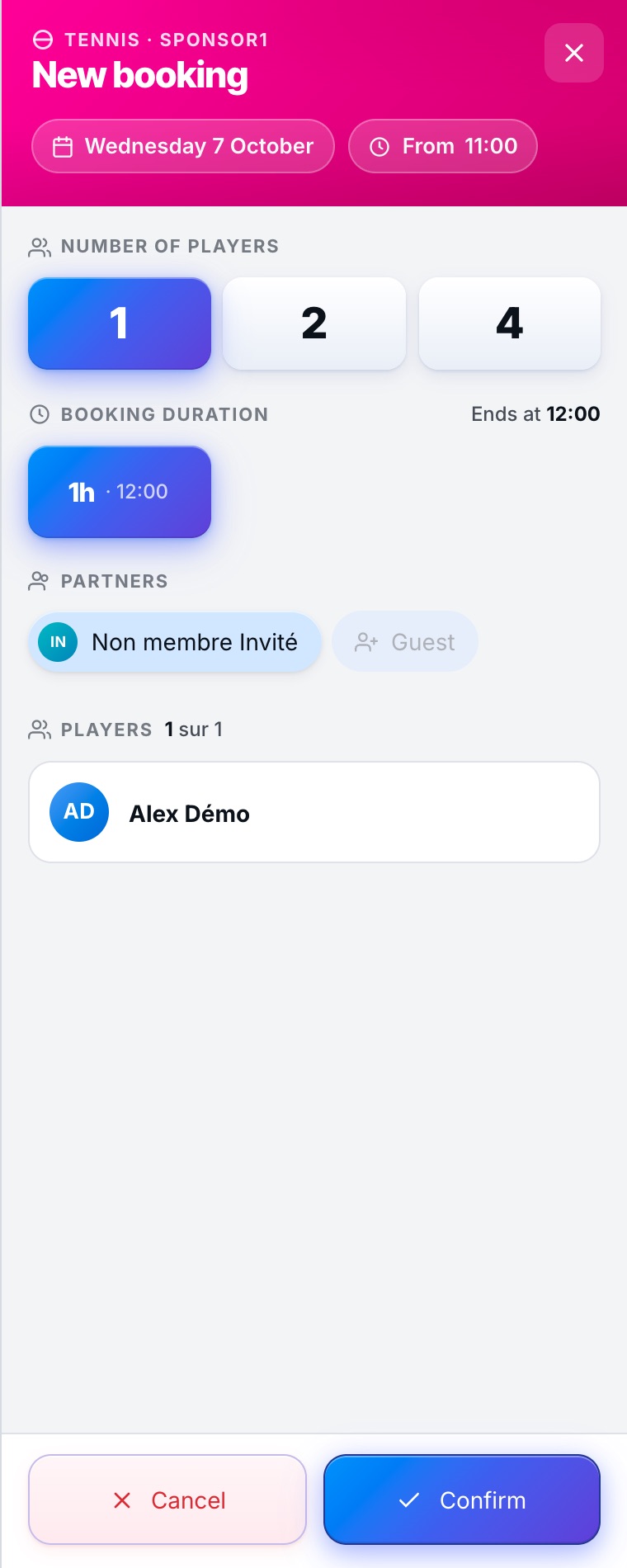
Your partner must exist in the system: always choose a person offered in the list. For someone who is not a member, use the Guest.
Pay if needed and confirm
If the booking is not free, the Payment section shows the amount left to pay and the payment methods offered by your club: digital wallet, credit card, TWINT, discount code, payment on site or sharing with your partner (see What payment methods are available to me for a booking?).
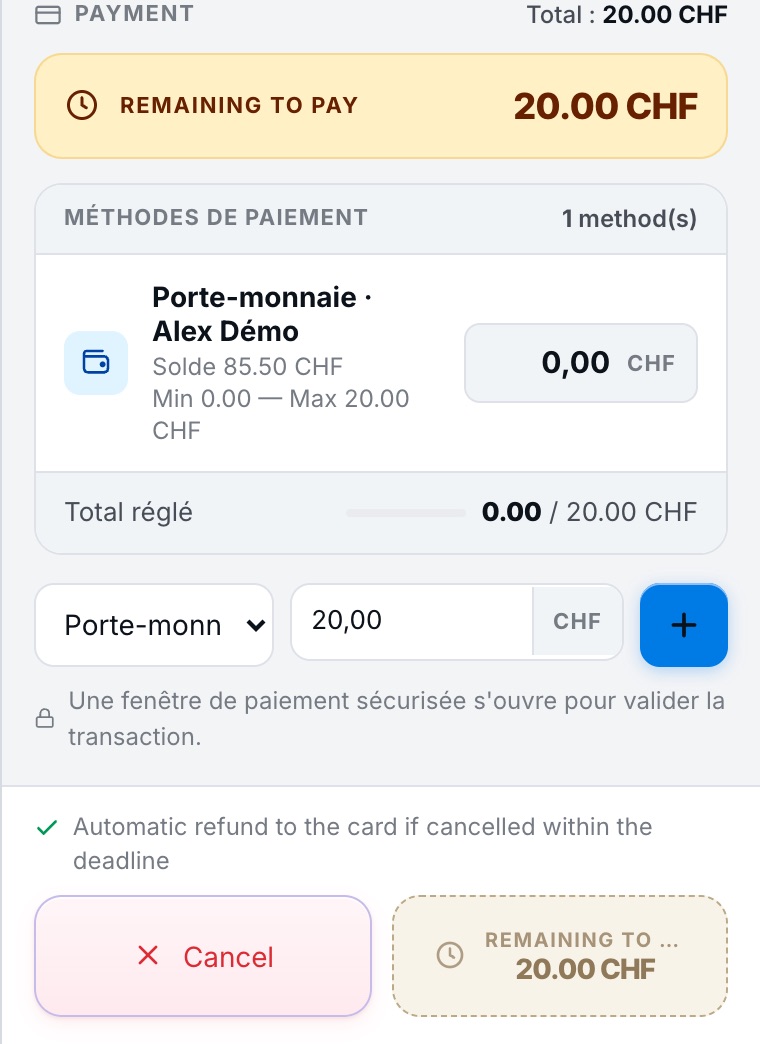
Finally, click the confirmation button at the bottom of the panel: Confirm, or the payment button while an amount is still due.
Plugin.ch Tutorial — Bookings